User Manual
33
time, then the Day mode and Night mode will switch
according to your settings
Note:
Wide Dynamic Range The function is only applicable for models MS-C23XX,
MS-C33XX.
Figure 4-6
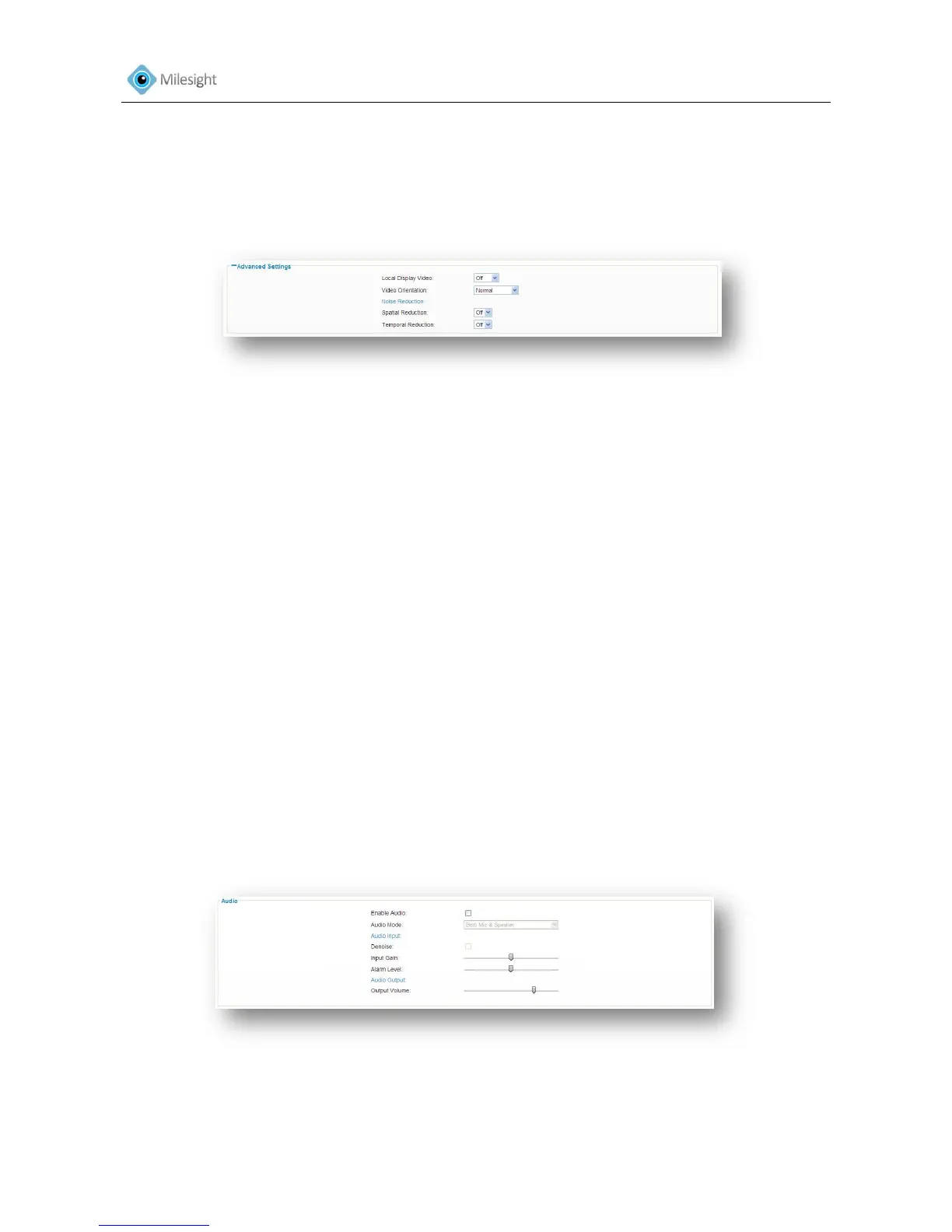
Advanced Settings
Local Display Video
Off Switch off the Video
NTSC Switch video to NTSC standard
PAL Switch video to PAL standard
Video Orientation
Normal Remain the image in normal direction
Flip Horizontal Flip the image horizontally
Flip vertical Flip the image vertically
Rotating 180° The images is presented upside down
Noise Reduction
Spatial Reduction Enable/disable spatial reduction
Temporal Reduction Enable/disable temporal reduction
4.2.3 Audio
Audio input and output can work with alarms to achieve various alarm functions. Alarm will be
triggered when there is audio input or play the configured audio when an alarm occurs.
Figure 4-7











 To Next Page