User Manual
42
Alarm Action
Upload Via FTP Upload alarm recording files to the configured FTP server
Upload Via SMTP Upload alarm recording files to SMTP with the configured format
Save Into SD Card Save alarm recording files into the SD card inserted
External Output Output a level signal when an alarm is triggered
Play Audio Play specific audio file when an alarm is triggered
Voice Alarm to SIP Phone Choose to call the sip phone when alarm is triggered.
Note:
External Output and Play Audio functions are only applicable when the selected model has
“Alarm Output” and “Audio Output” interfaces.
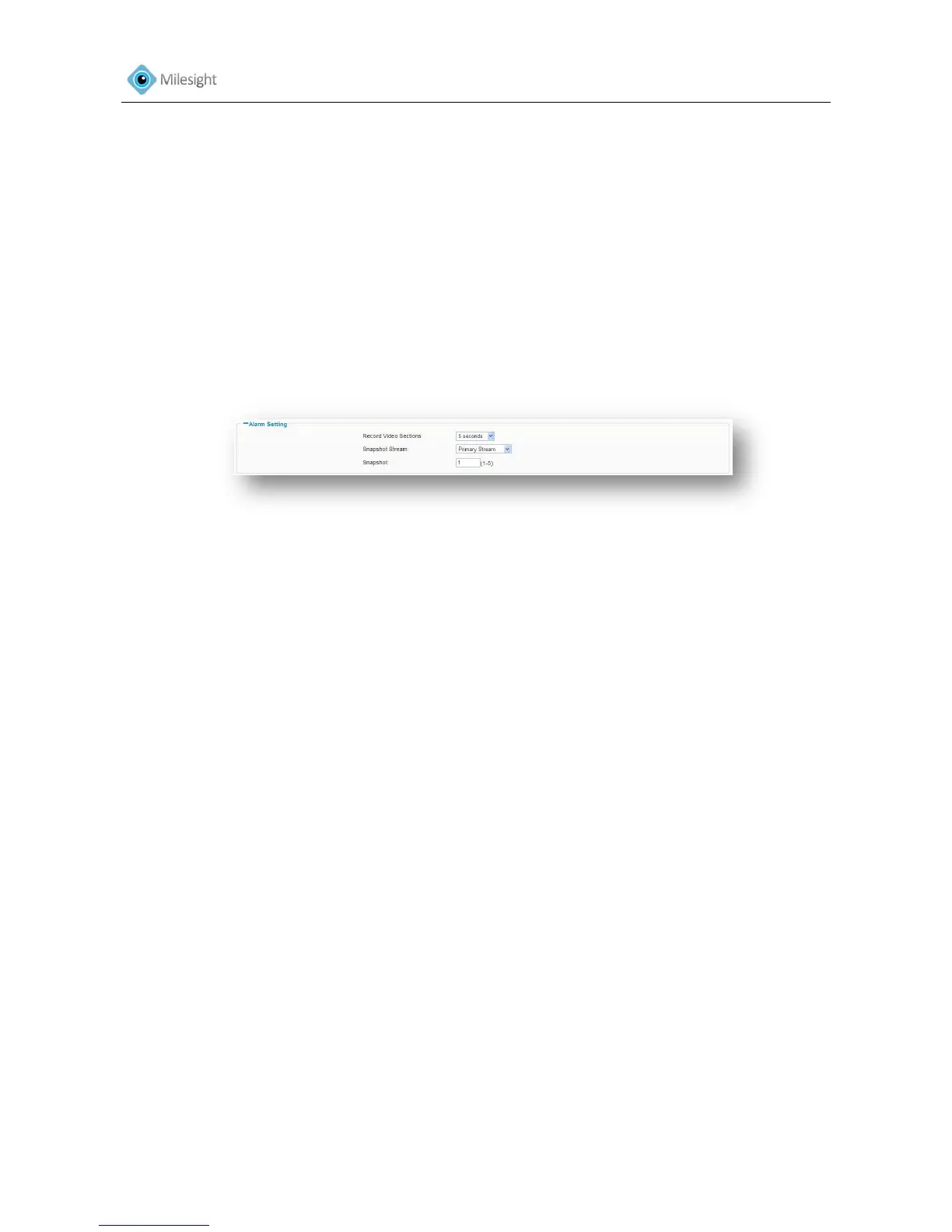
Alarm Setting
Figure 4-21
Record Video Sections Length of each video file
Snapshot Stream Select primary stream and secondary stream according to your
needs
Snapshot Take how many snapshots at a time to upload to SD card/ FTP/SMTP,
not support upload to FTP/SMTP when the resolution is more than
3MP
4.3.7 Privacy Masking
Privacy Masking is used to protect personal privacy by concealing parts of the image from view
with a masked area. Examples of this use would be masking windows of domestic properties or
car number plates which are not subject to surveillance.
After enabling the privacy masking, you can select a region No.1-4 and type of mask. Then draw
a square covering your sensitive area by mouse. Click “set” will bring the masking into effect.
Click ‘Clean’ to cancel a specific privacy masking area.











 To Next Page