User Manual
16
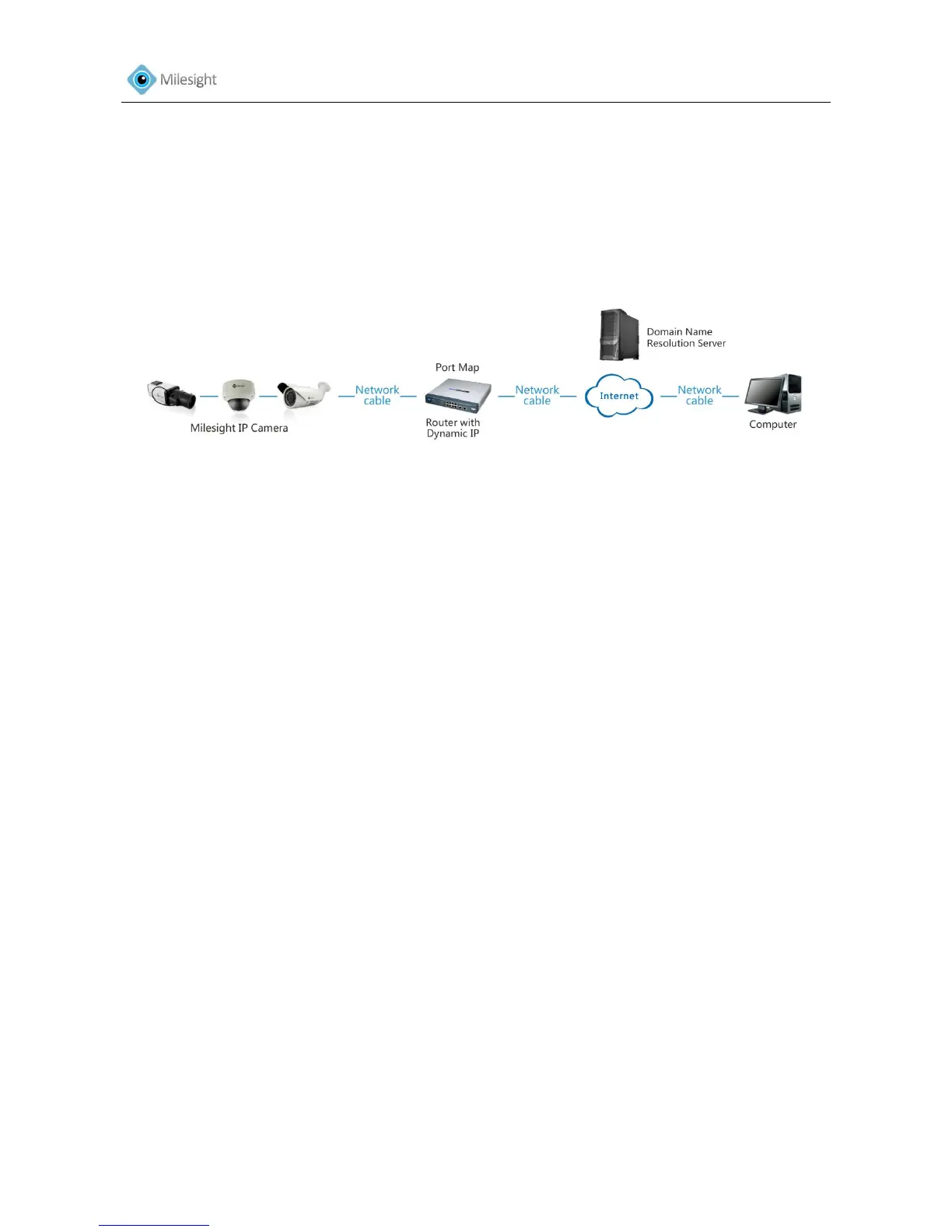
1. Connect the network camera to the router.
2. In the camera, assign a LAN IP address, the subnet mask and the gateway.
3. In the router, set port mapping. E.g. 80, 8000 and 554 ports. The steps for port mapping vary
depending on different routers. Please call the router manufacturer for assistance with port
mapping.
4. Apply a domain name from a domain name provider.
5. Configure the DDNS settings in the setting interface of the router.
6. Visit the camera via the domain name.
Figure 2-5Connecting the network camera via a router using dynamic IP











 To Next Page