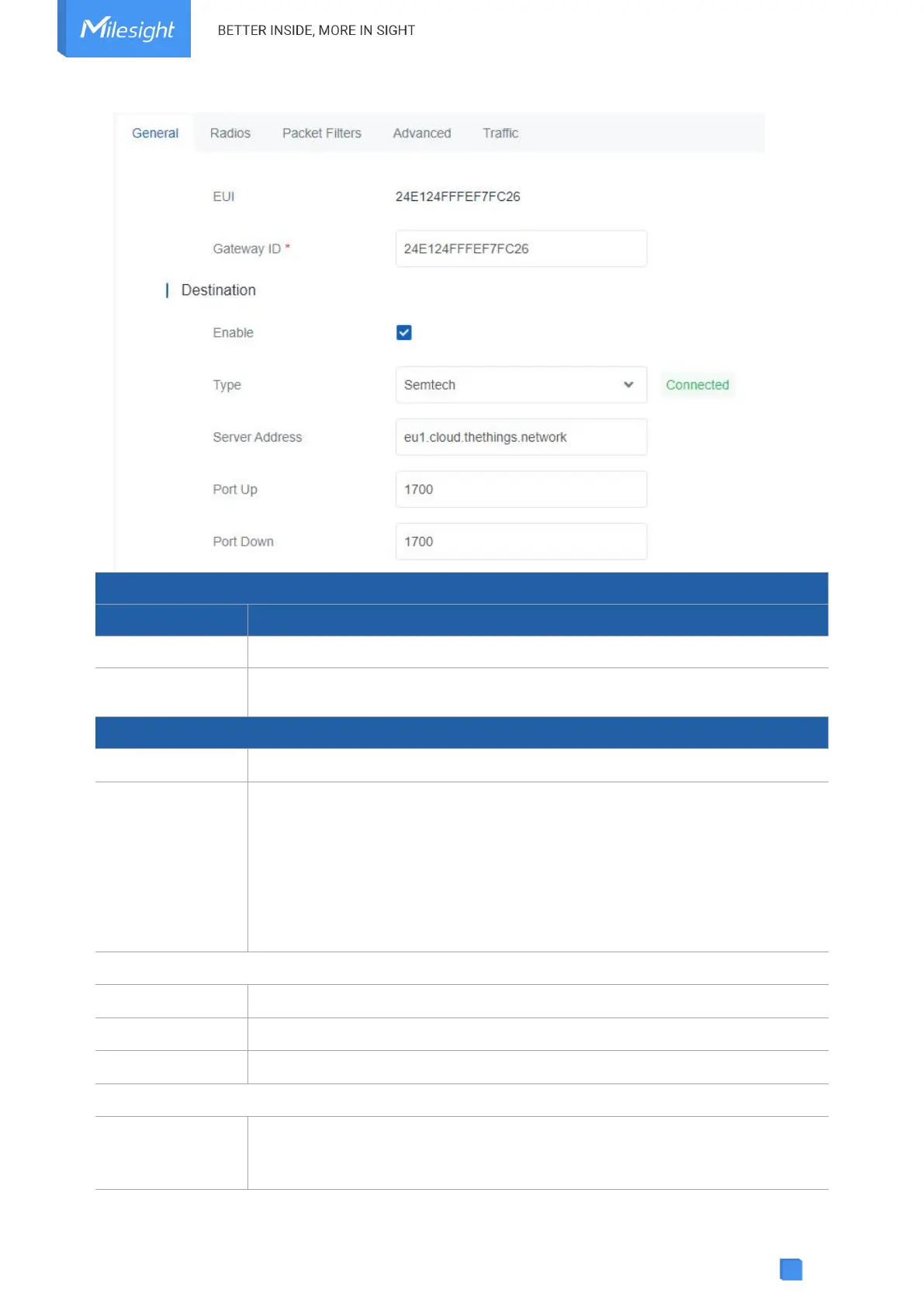
The unique identifier of the gateway and it’s non-editable.
The customizable ID for registering gateway to network server, such as TTN.
It is the same as gateway EUI by default.
Enable or disable the packet forward feature.
Select packet forward type among Semtech, Chirpstack-Generic or Basic
Station.
Semtech: connect to network server through the Semtech UDP protocol. It
supports to connect to most of mainstream network servers.
Chirpstack-Generic: connect to Chirpstack via generic MQTTgateway bridge.
Basic Station: connect to network server through TCP protocol. When
configuring, there is no need to configure both LNS and CUPS settings.
The LoRaWAN
®
network server IP address or domain.
The UDP port to forward uplinks from end device to network server.
The UDP port to forward downlinks from network server to end device.
The URL of LoRaWAN
®
network server. Please type as below format and
replace
<server-address>
and
<port>
as real server address and server port.
LNS URI:
wss://<server-address>:<port>
or
ws://<server-address>:<port>



 To Next Page