The Access Point Name for cellular dial-up connection provided by local ISP.
Please contact cellular operator or search for the Internet to get it.
The username for cellular dial-up connection provided by local ISP.
The password for cellular dial-up connection provided by local ISP.
Select from None, PAP and CHAP.
A 4-8 characters PIN code to unlock the SIM.
Send AT Command to get cellular information or configure advanced settings.
Enable to reboot the device if cellular connection is not available.
After enabled, the device will send ICMP packets to corresponding servers to
detect the connection periodically.
The device will send ICMP packet to this server address or hostname to
determine whether the Internet connection is still available or not.
The device will try to ping the secondary server name if primary server is not
available.
Time interval between two Pings.
When ping failed, the device will ping again in every retry interval.
The maximum time which the device will wait for a response to a ping
request. If it does not receive a response for the timeout, the ping request will
be considered to have failed.
The retry times of the device sending ping request until determining that the
connection has failed.
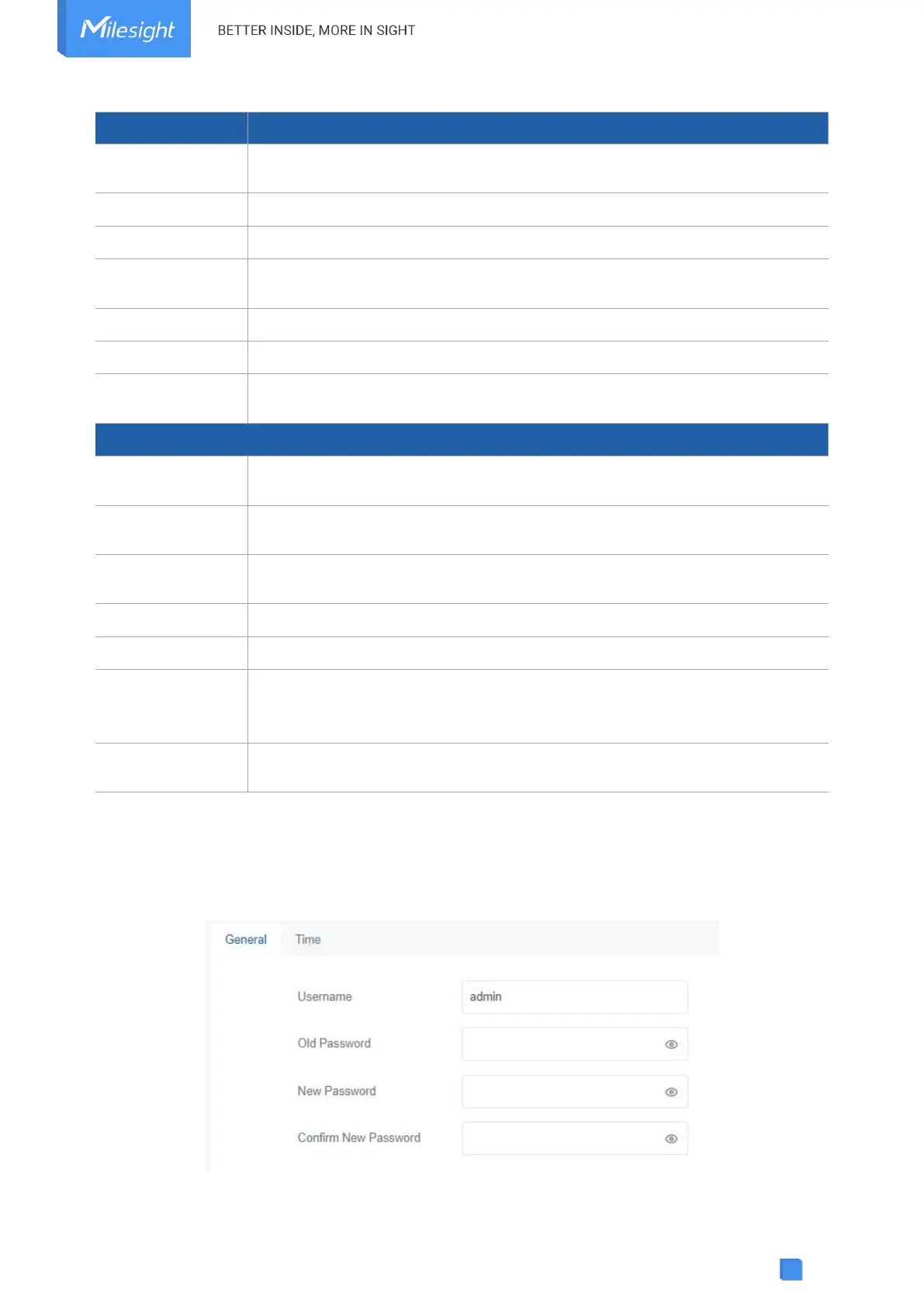
5.4 System
5.4.1 General



 To Next Page