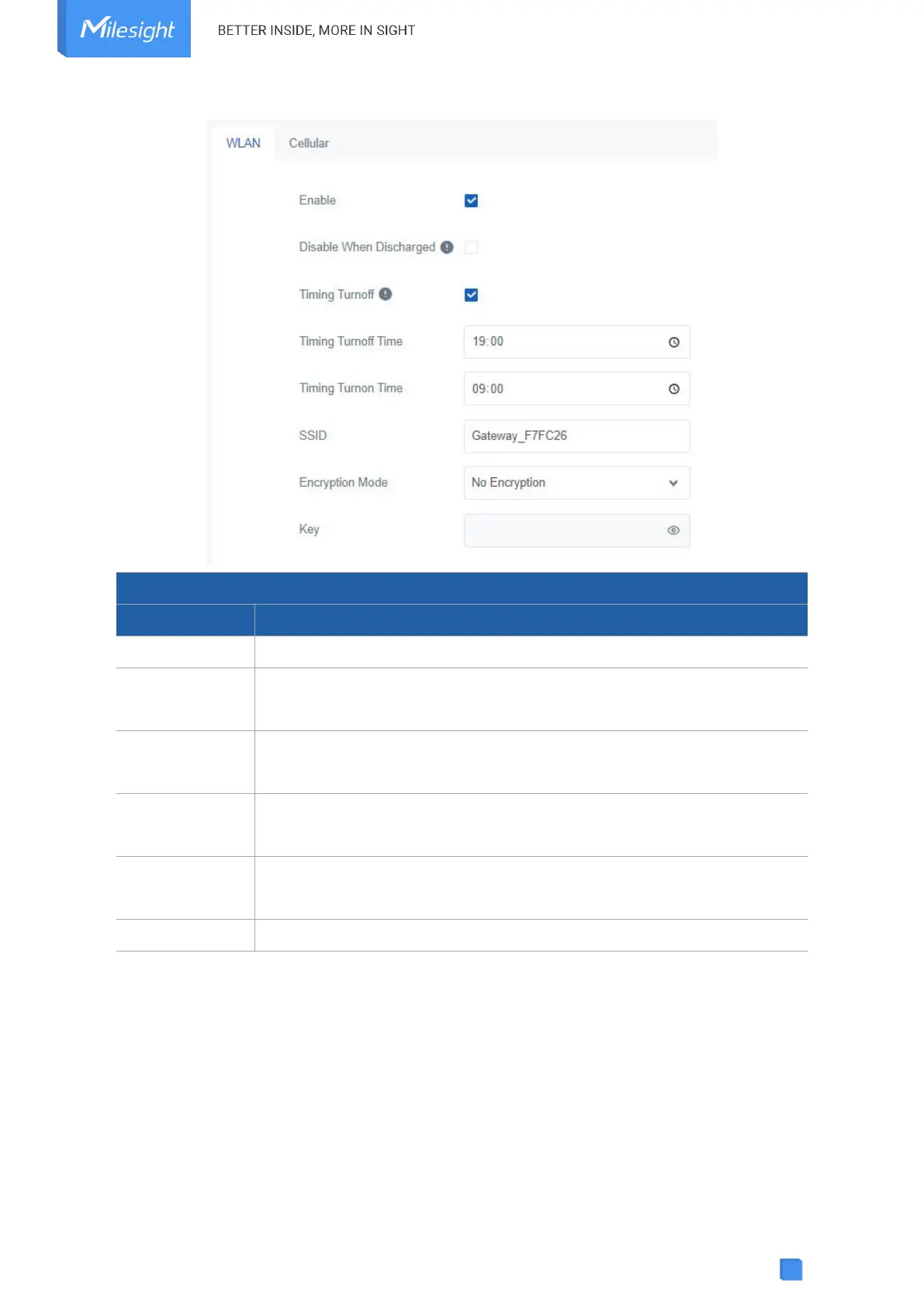
Enable or disable Wi-Fi feature.
After enabled, the device will turn off the Wi-Fi when the battery is
discharging to save power.
If this option is enabled, the device will turn off and turn on the Wi-Fi at
preset time points of a day.
The unique name for this device Wi-Fi access point. The default SSID is
Gateway_XXXXXX. (XXXXX=last 6 digits of MAC address)
No Encryption and WPA-PSK are optional.
Customize the Wi-Fi password when security mode is WPA-PSK.
5.3.2 Cellular
SG50 supports to insert a SIM card to get cellular network connections.



 To Next Page