The list of severities follows the syslog protocol.
Core dump file contains a snapshot of a program’s memory at a specific
point int time when the program encounters a critical error or crashes,
which can be used for debugging and troubleshooting purposes.
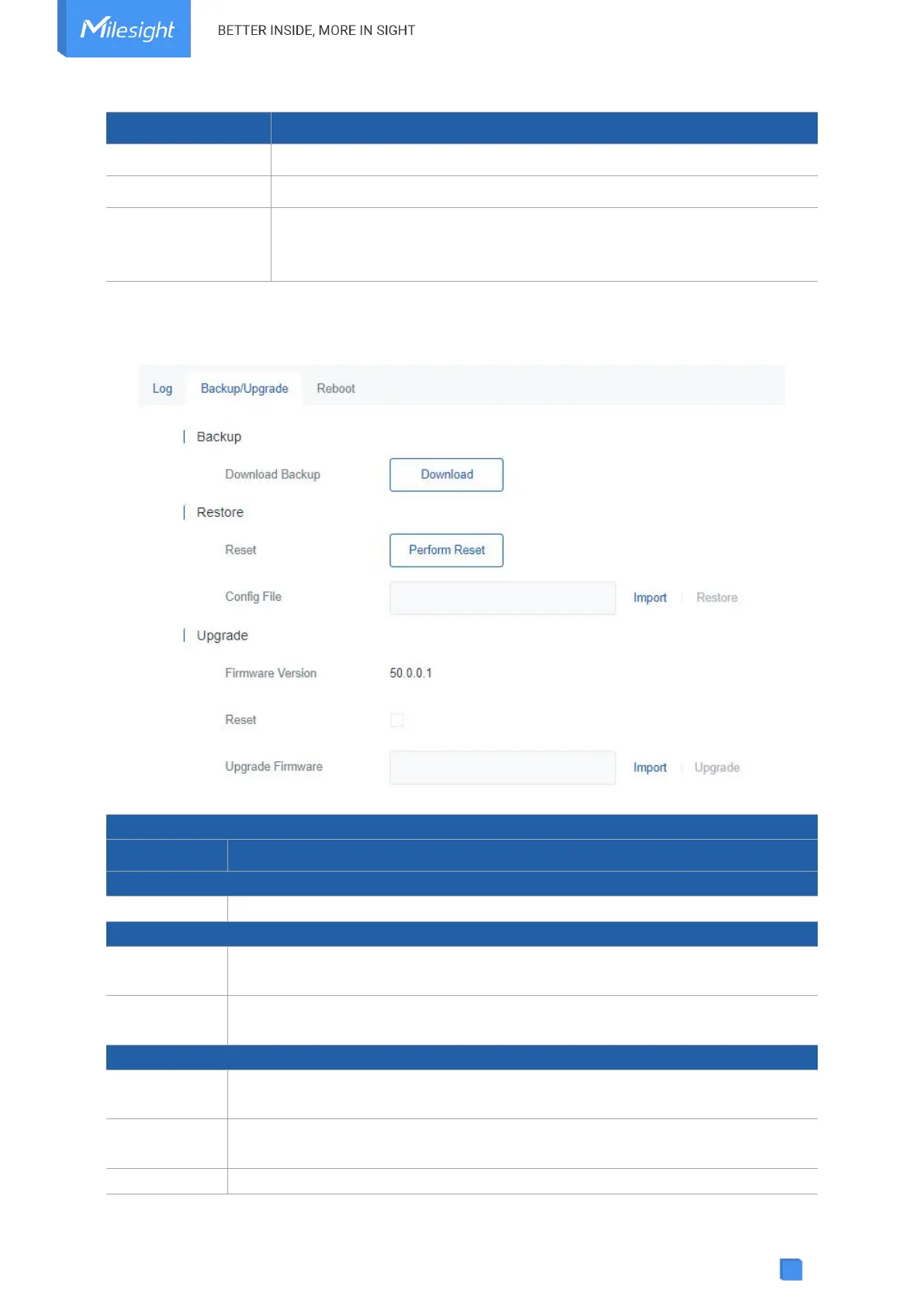
5.5.2 Backup/Upgrade
Export the current configuration file to the PC.
Reset device to factory default settings. The device will restart after reset
process is done.
Click "Import" button to select configuration file, and then click "Restore" button
to upload the configuration file to the device.
Show the current firmware version.
When this option is enabled, the device will be reset to factory defaults after
upgrade.
Click "Import" button to select the new firmware file, and click "Upgrade" to



 To Next Page