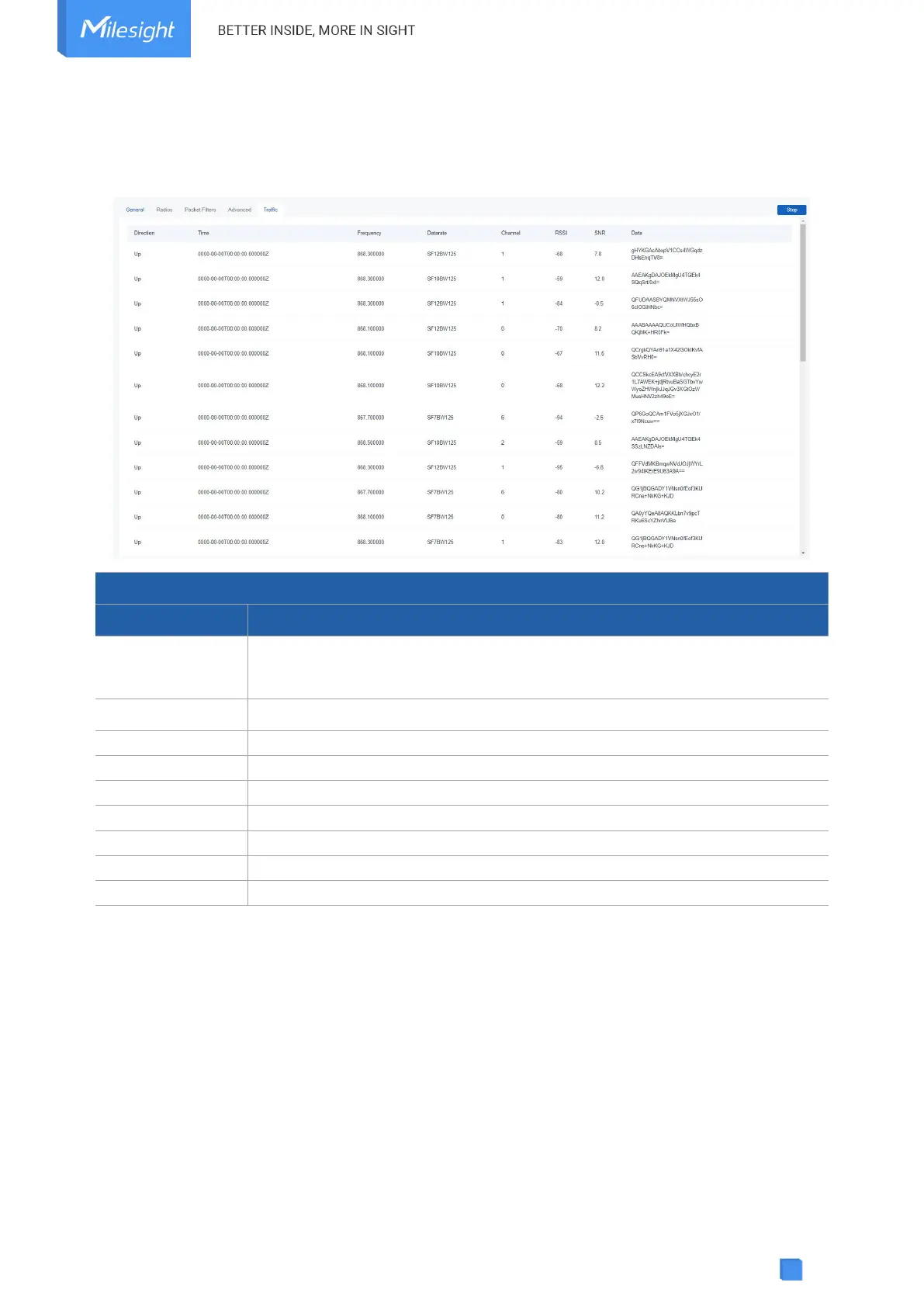
5.2.5 Traffic
SG50 supports to display latest 30 pieces of traffic received from end devices or network server.
Fresh: click to fresh this page to update latest data automatically.
Stop: click to stop fresh this page to update latest data.
The transmission direction of this packet.
The receiving time of this packet.
The frequency of receiving or sending this packet.
The datarate of this packet.
The frequency channel of receiving or sending this packet.
The received signal strength of this packet.
The signal-to-noise ratio of this packet.
The encrypted data of this packet.
5.3 Network
5.3.1 WLAN
SG50 supports wlan feature to work as AP mode to configure device and it can not connect to
other access points.
Note: one SG50 device only supports 2 devices’ WLAN connection to login this device at the
same time.



 To Next Page