CUPS URI:
https://<server-address>:<port>
CA certificate to secure the server domain.
Note: change the certificate file format as
.trust
before import.
Client certificate file to verify the identity of the gateway.
Private key file to verify the identity of the gateway.
When connecting via LNS, enable or disable it to forward gateway GPS data to
network server.
The LoRaWAN
®
network server IP address or domain.
The LoRaWAN
®
network server port.
After enabled, username and password are required to type for verification.
Select from “Self signed certificates”, “CA signed server certificate”.
CA signed server certificate: verify with the certificate issued by
Certificate Authority (CA) that pre-loaded on the device.
Self signed certificates: upload the custom CA certificates, client
certificates and secret key for verification.
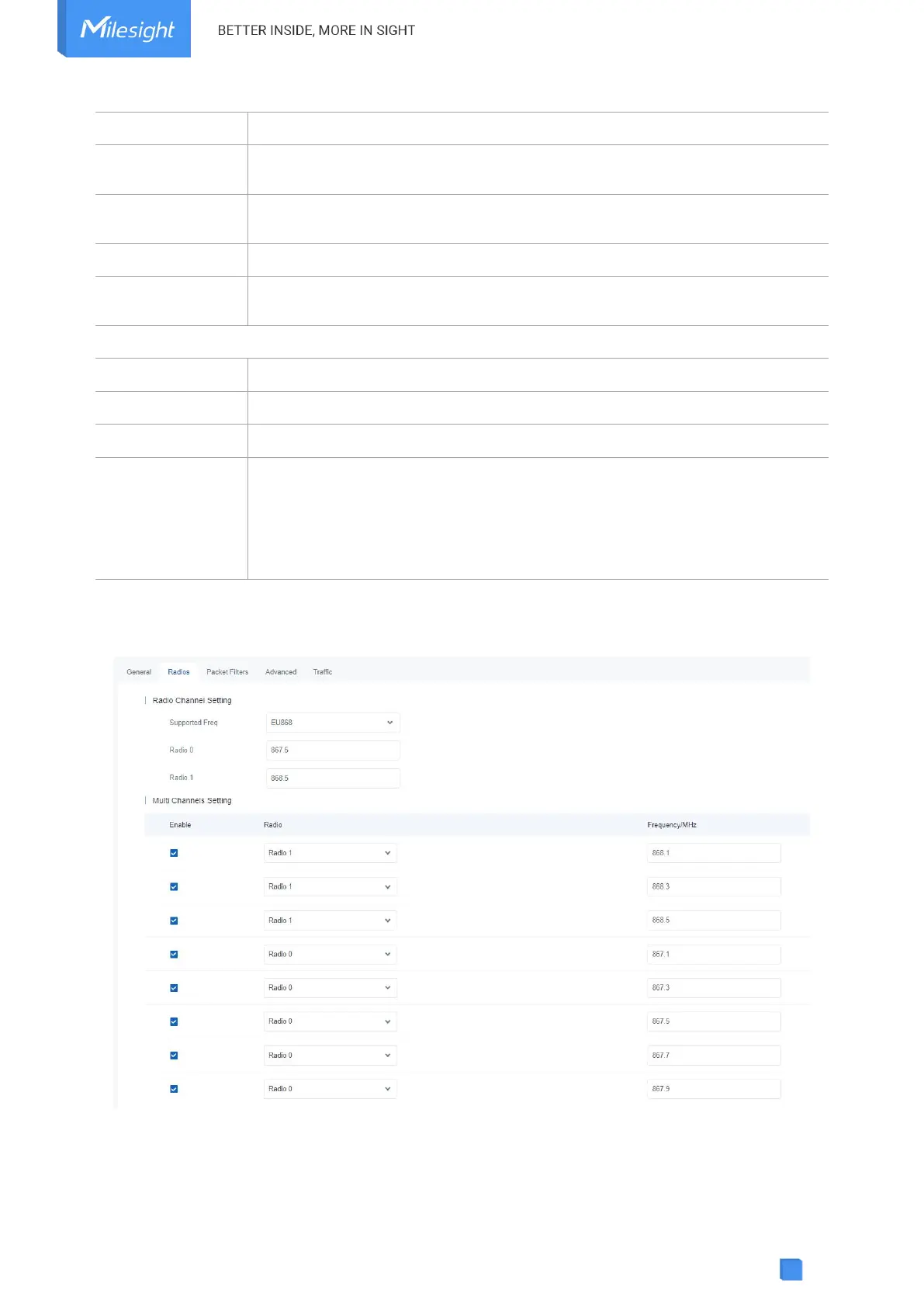
5.2.2 Radios



 To Next Page