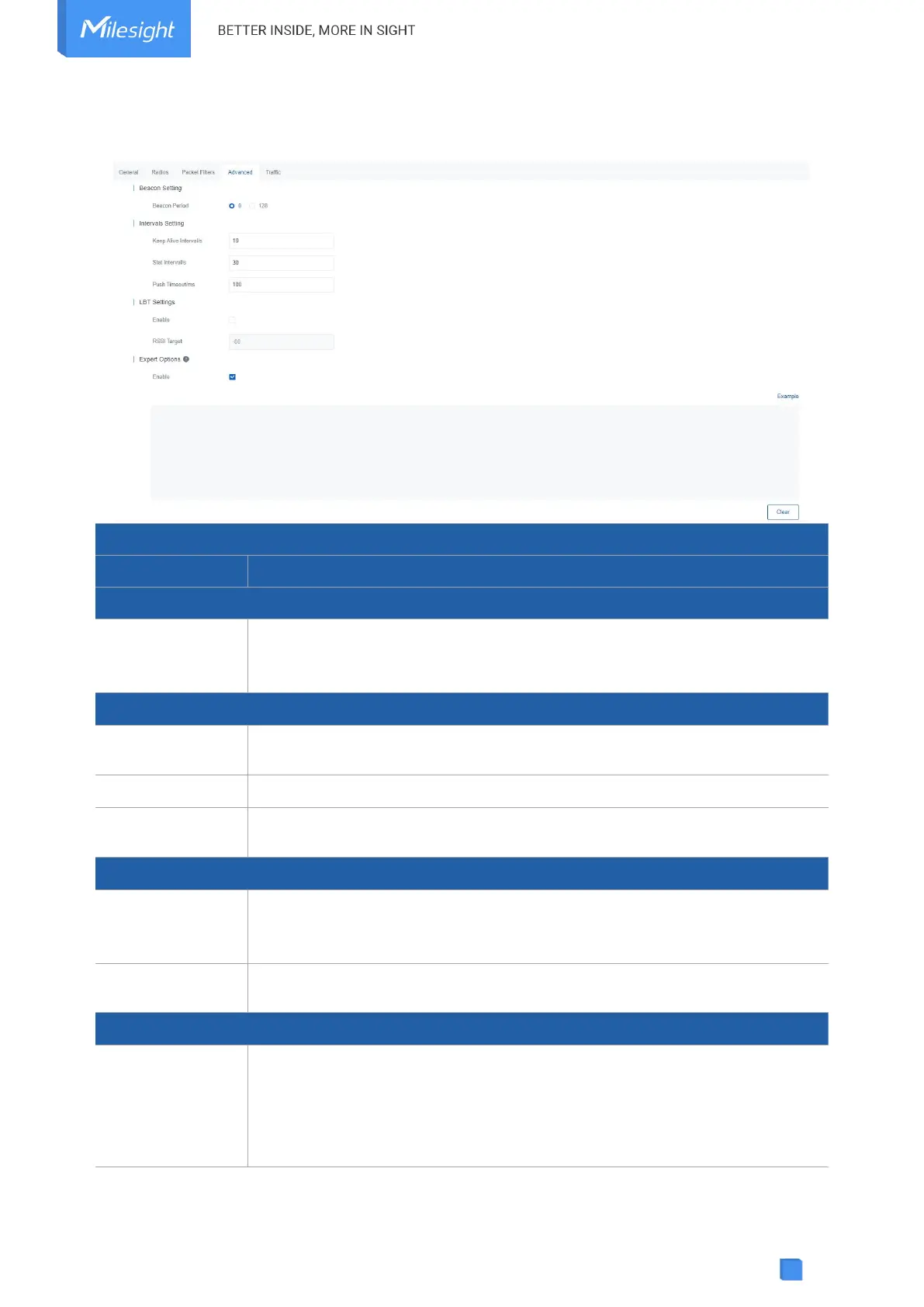
5.2.4 Advanced
Interval of gateway sending beacons for Class B device time synchronization.
0 means the gateway will not send beacons. Please select the value as 128 if
end device type is Class B.
The interval of keepalive packet which is sent from gateway to network server
to keep the connection stable and alive.
The interval to update the network server with gateway statistics.
The timeout to wait for the response from server after the gateway sends
data.
Enable or disable LBT feature. Listen before talk (LBT) is used to detect
whether the downlink channel is idle and avoid channel access conflicts.
Note: AU915 and US915 do not support LBT feature.
The criteria of an idle channel. If actual RSSI of a channel is less than the
criteria/target, the channel is considered as idle.
After enabled, the device supports customizing the configuration file to
configure packet forwarder and customized configuration will overwrite the
packet forward configurations of web GUI.
To customize configuration file with correct format, click “Example” to go to
reference page.



 To Next Page