Page 103 of 113
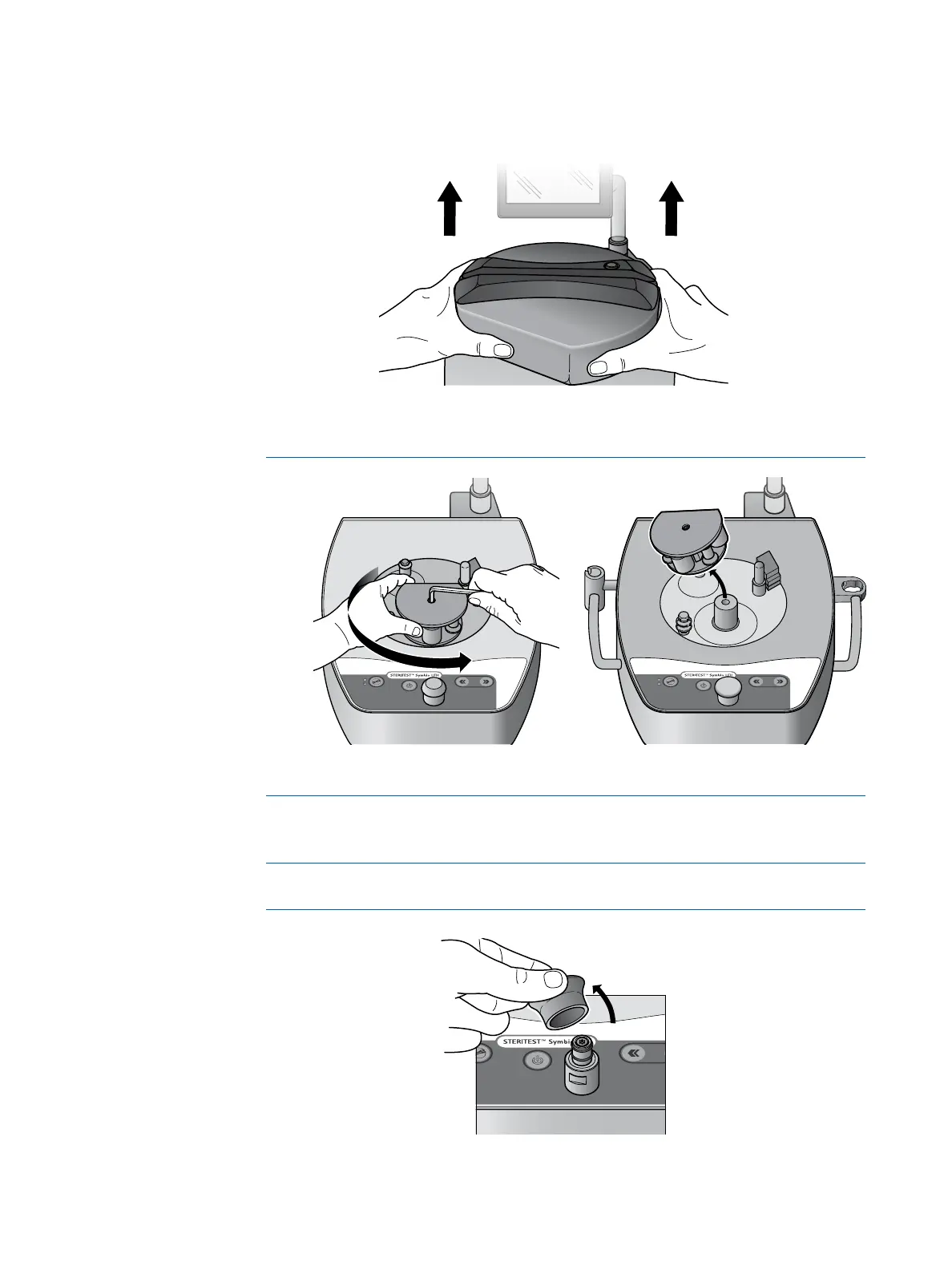
11. Remove the pump head cover by pulling it off with both hands.
12. If necessary, remove the rotor mounting screw from the pump head using a
4mm hex wrench, and remove the rotor from the pump head.
NOTE
It is not necessary to remove the pump head rotor unless there has been an
accidental spill.
13. Pull the control knob off to remove it.
NOTE
It may be necessary to pull hard.



 To Next Page