Page 42 of 113
Starting the Pump after Initial Startup
1. Switch on the communication hub by pressing the on/off switch (position I ).
2. Press the
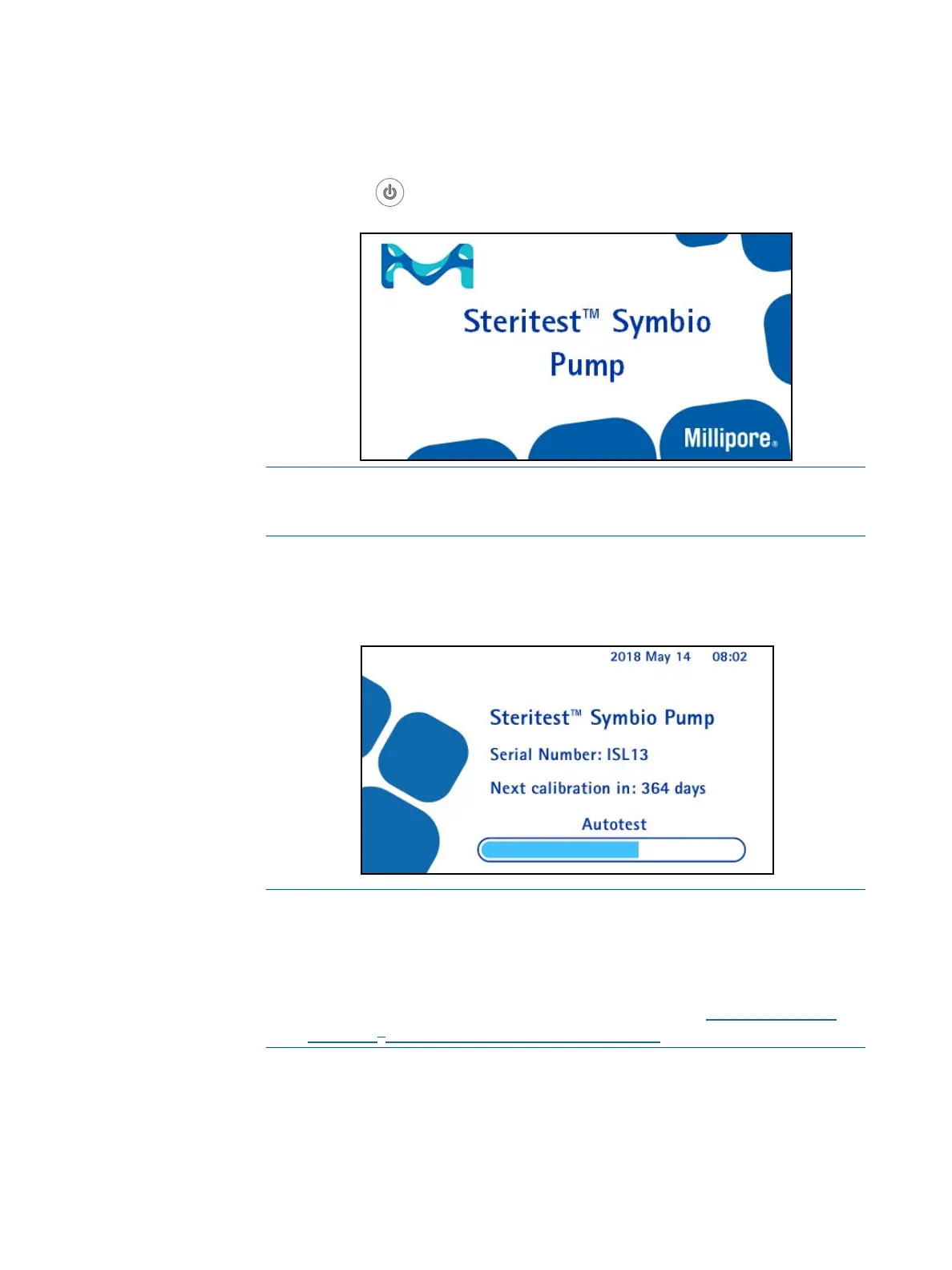
button on the pump control panel. The screen displays the
range of Steritest
®
devices. This is followed by the welcome screen:
NOTE
The Steritest
®
products image can be replaced by another image. See the
Steritest
®
Symbio Software User Guide.
After a few seconds, the Autotest screen displays. The autotest procedure starts
and the pump head opens. The screen also displays the serial number of the
pump and the number of days before the next scheduled calibration.
NOTE
Starting 45 days before the scheduled calibration date, a calibration
schedule alert displays at the top right of the Main screen.
For information about changing the frequency of calibration and for
deactivating the calibration countdown and alerts, see Configuring the
Steritest
®
Symbio Pump, Pump Information.



 To Next Page