Page 73 of 113
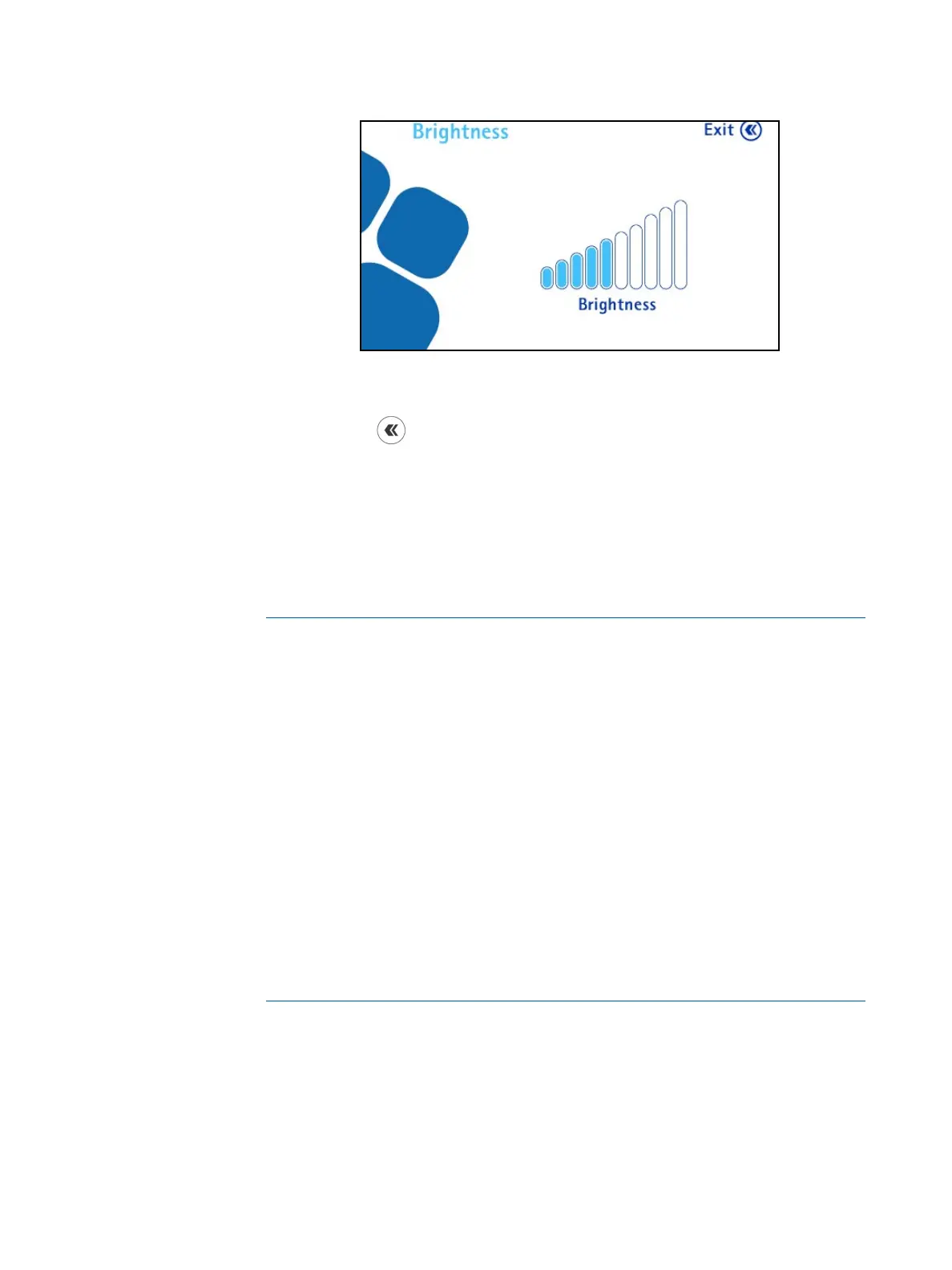
2. Turn the control knob clockwise to increase the brightness and
counterclockwise to decrease the brightness.
3. Press the
button to return to the Configuration menu.
Methods Transfer
To use the pump in Test Method Mode, it is necessary to previously create test
methods and transfer them from the computer to the pump using the Steritest
®
Symbio Software. Use this menu to transfer Test Methods from the Steritest
®
Symbio Software to the pump.
NOTE
The Steritest
®
Symbio Software is not intended to replace the user’s quality
management system (QMS), which should be in place to comply with good
manufacturing practices.
The software helps users to create and modify test methods in word
processing format, and to update the Steritest
®
Symbio Pump.
This software is only a support/guide to the operator work during the testing
steps on the pump. The operator may modify the test parameters (speed
and timer) on the pump.
The recording, verification, and validation of the test methods transferred
shall comply with the user’s quality system.
This system does not manage electronic records under 21CFR11, EU GMP
Annex 11 regulations, or GMP predicate rules.



 To Next Page