Page 74 of 113
In the Configuration menu, turn and press the control knob to select Methods
Transfer.
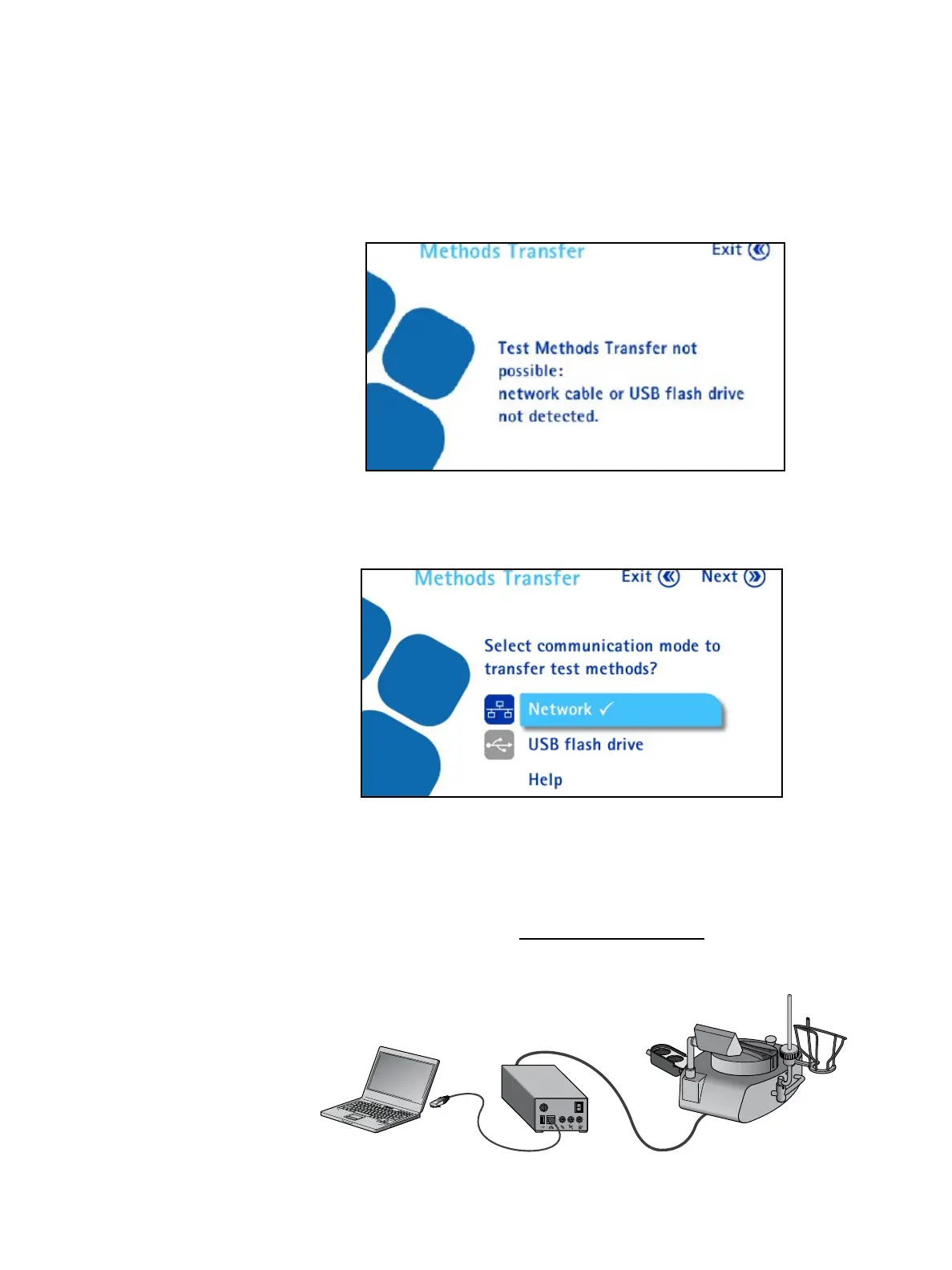
• If the communication hub is not connected to an active network or directly
to the computer using the network cable or to a USB flash drive, the
following Methods Transfer screen displays:
• If the communication hub is connected to an active network or directly to
the computer using the network cable or to a USB flash drive, the following
Methods Transfer screen displays:
Transfer Using a Network Cable
To transfer test methods from the Steritest
®
Symbio Software to the pump using
a network cable:
1. Ensure that the communication hub is connected to an active network or
directly to the computer (see Network Configuration).
Direct connection between pump and computer:



 To Next Page