Page 71 of 113
Pump Information
To access the Pump Information screen:
1. In the Configuration menu, turn and press the control knob to select Pump
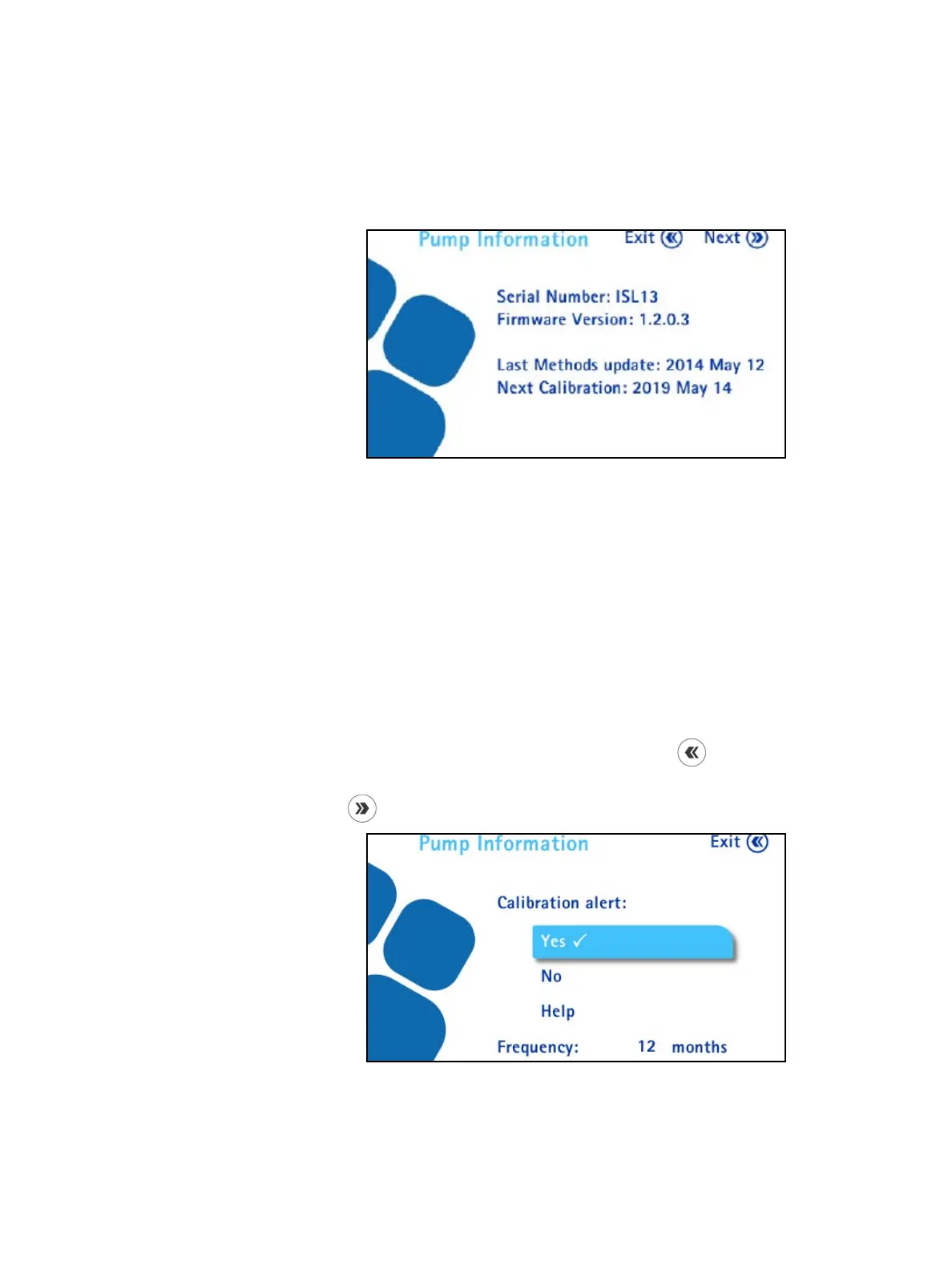
Information. The Pump Information screen displays.
This screen provides information about the pump:
• Serial number
• Firmware version installed on the pump
• Date of the last update of the test methods contained in the pump (If
no test method has been loaded to the pump, the message is “No test
method available.”)
• Next calibration date
2. Do one of the following:
• To return to the Configuration menu, press the
button.
• To deactivate/activate the calibration alert and change the frequency, press
the
button. The Pump Information screen displays.



 To Next Page