Page 65 of 113
• Brightness: set up the brightness of the screen
• Methods Transfer: transfer test methods to the pump
• Network Configuration: configure the network for test method transfer
• Pressure Sensors Test: check the pressure sensors
3. Turn and press the control knob to access a menu.
Pressure Mode
Use the Pressure Mode menu to choose the pressure measurement mode used in
Standard Mode. The two options are pressure monitoring and pressure regulation.
NOTE
In the Test Method Mode, the pressure mode is predefined for each
step during the creation of the test method using the Steritest
®
Symbio
Software.
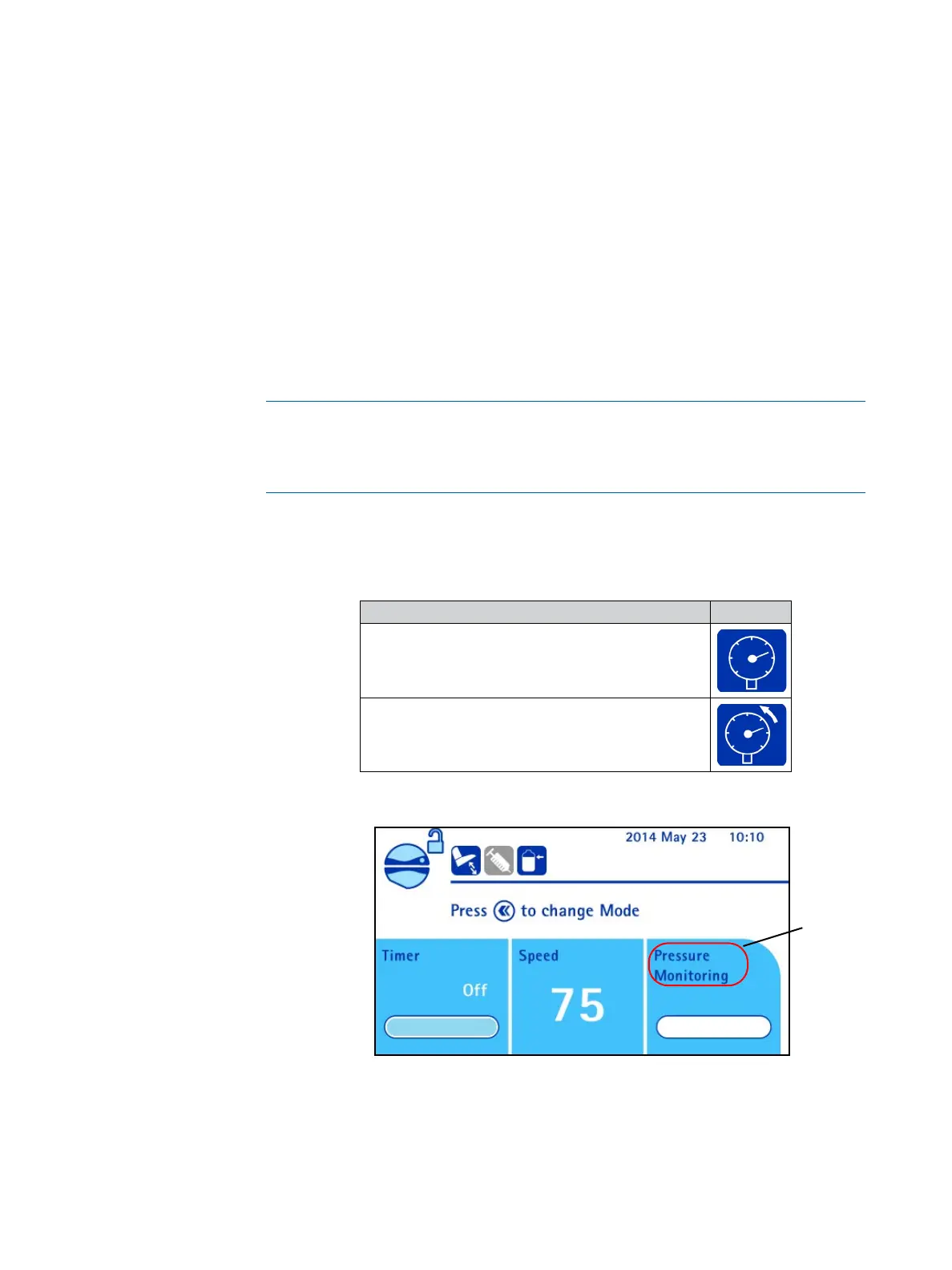
The enabled pressure measurement mode is indicated by a symbol displayed on
the top left of the Main screen, and by the pressure mode name in the pressure
information area on the use screen.
Pressure measurement system enabled Symbol
Pressure monitoring
Pressure regulation
Enabled
pressure
mode



 To Next Page