Page 78 of 113
7. Turn and press the control knob to select the transfer file to be transferred
from the USB flash drive to the pump.
NOTE
Transferring test methods to the pump erases its current content.
8. Press the
button to start the transfer. The file transfer screen displays,
and the transfer starts. A progress bar shows the progression of the transfer.
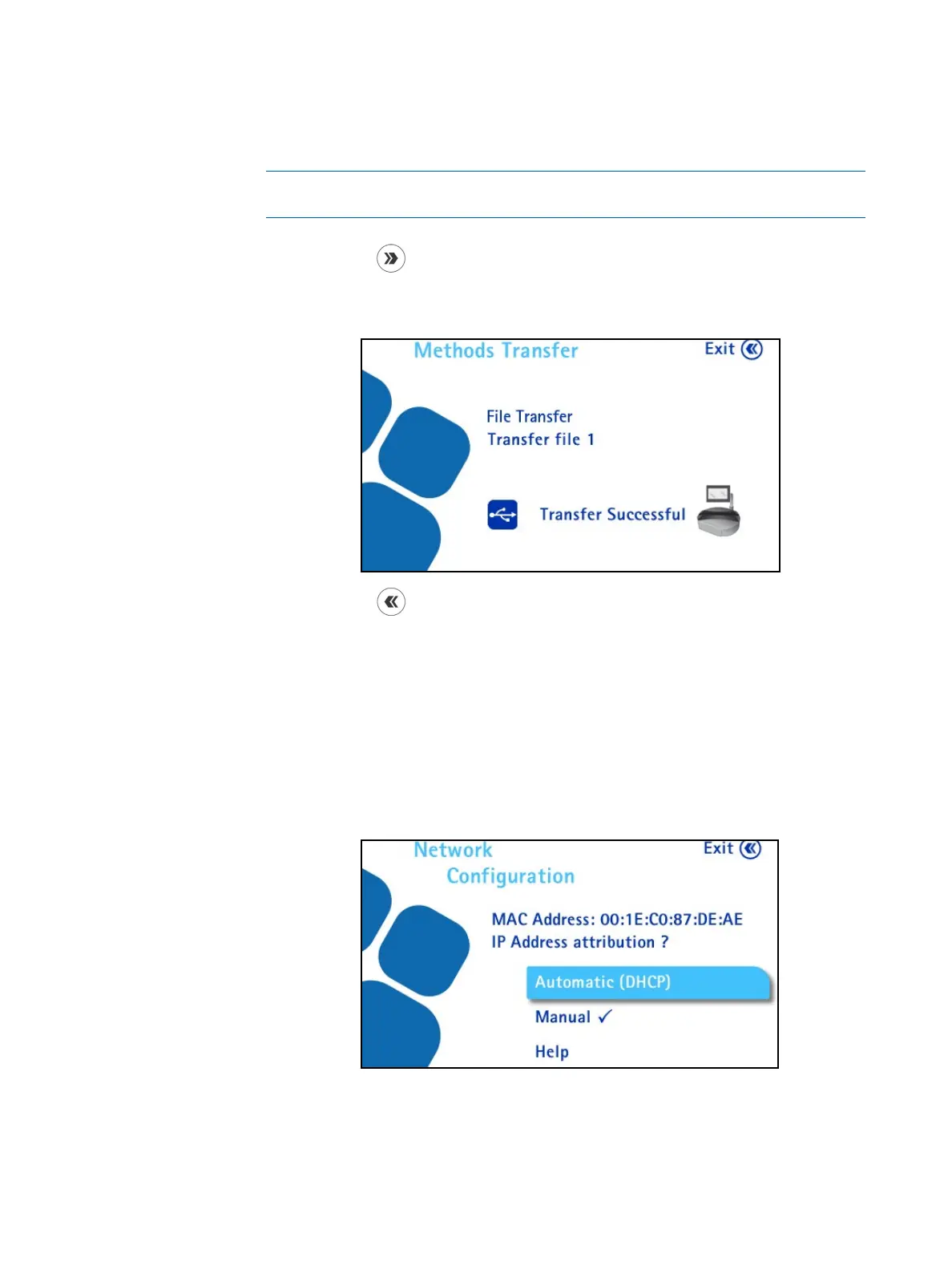
When the transfer is complete, the following screen displays.
9. Press the
button to return to the Configuration menu.
Network Configuration
Use this menu to configure the network to ensure proper communication between
the pump and the computer.
1. Access the Configuration menu from the main screen.
2. In the Configuration menu, turn and press the control knob to select
Network Configuration. The Network Configuration screen displays.
By default, the address attribution type is Automatic (DHCP). The IP address
of the pump is automatically assigned by a DHCP server. No specific action is
required to configure the connection.



 To Next Page