Page 79 of 113
NOTE
Refer to the Steritest
®
Symbio Software User Guide and contact your
local network administrator to perform network configuration.
3. Do one of the following:
• Turn and press the control knob to select Automatic (DHCP). No other
action is required.
• Turn and press the control knob to select Manual.
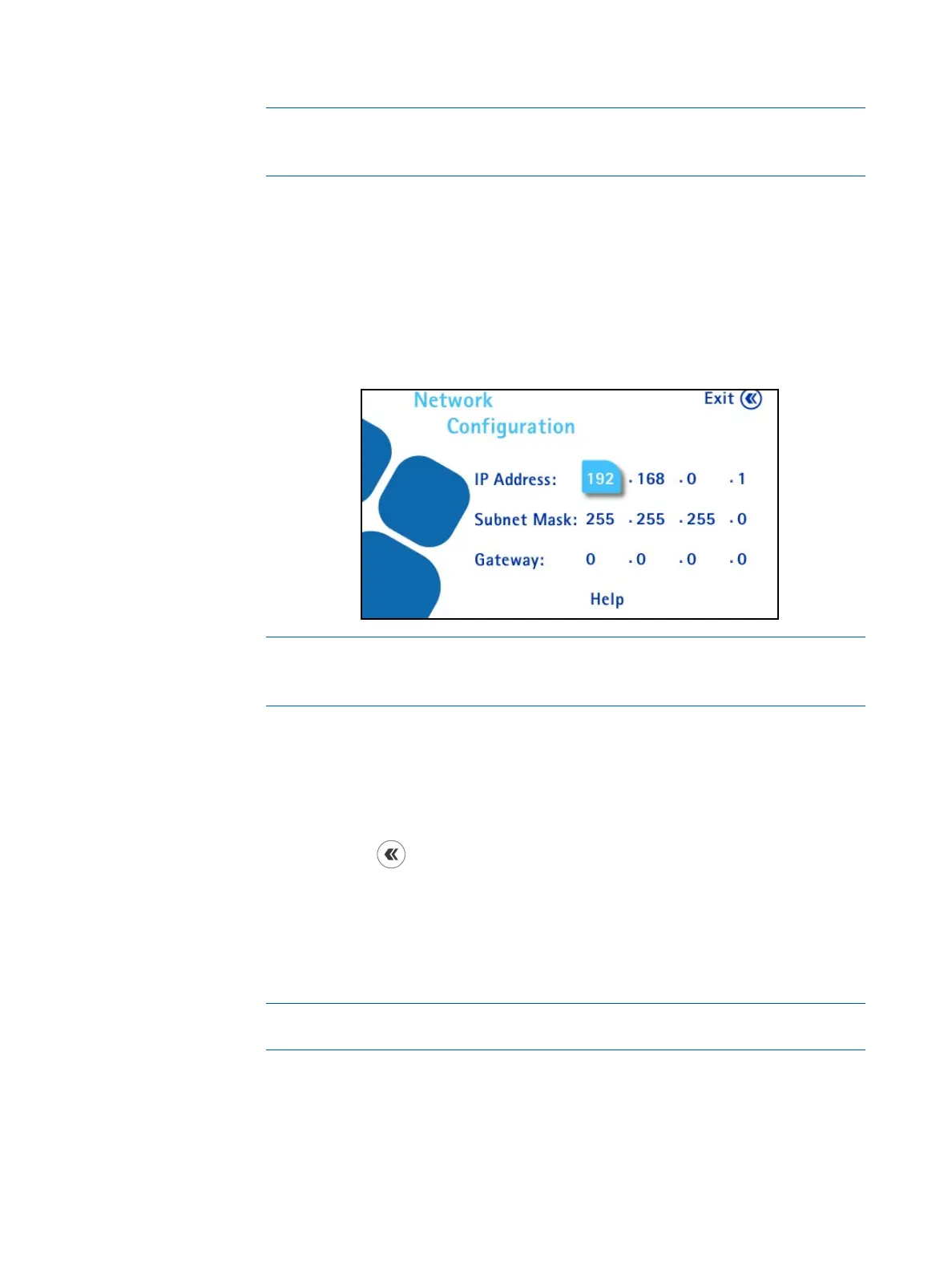
When the manual address attribution type is enabled, the following screen
displays. Continue to the next step.
NOTE
The values shown are the default values. Modifications should be made by
the local network administrator.
4. Turn the control knob to go from one field to the next. To modify a value,
push the control knob to enter the value field, turn the control knob to
change the value of the field, and press the control knob to confirm the
value.
5. Press the
button to return to the Configuration menu.
Pressure Sensors Test
Checking the Pump Pressure Sensors
Use this menu to check the proper functioning of the pump pressure sensors.
NOTE
This verification should be done every six months.
1. Access the Configuration menu from the main screen.



 To Next Page