Page 80 of 113
2. In the Configuration menu, turn and press the control knob to select
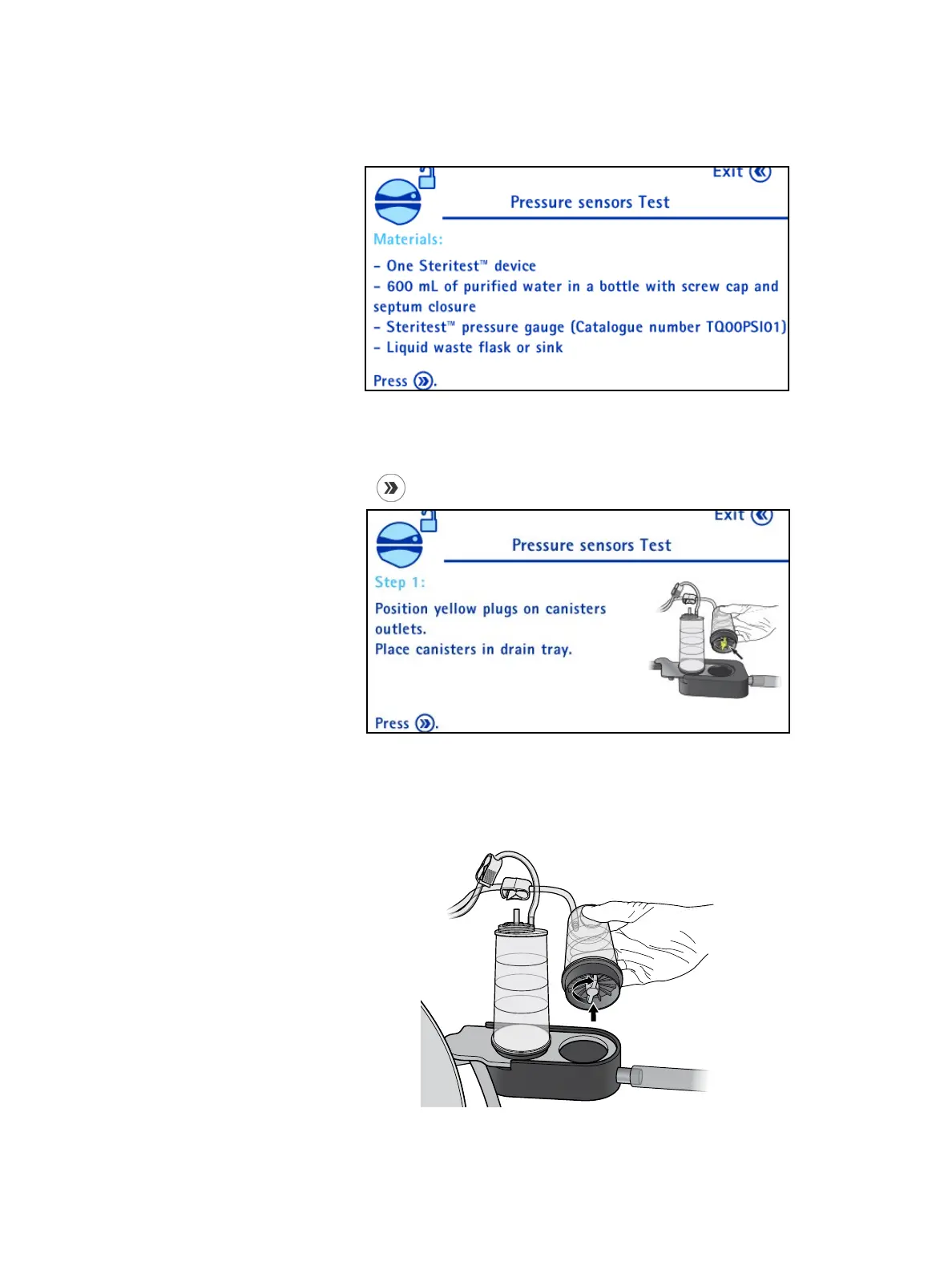
Pressure Sensors Test. The Pressure Sensors Test screen displays.
The materials needed to perform the verification of the pressure sensors are
listed on the screen. Gather these materials.
3. Press the
button to continue. The following screen displays:
Unpack a Steritest
®
device.
Place the two yellow plugs on the canister outlets, and place the canisters on
the drain tray.



 To Next Page