Page 70 of 113
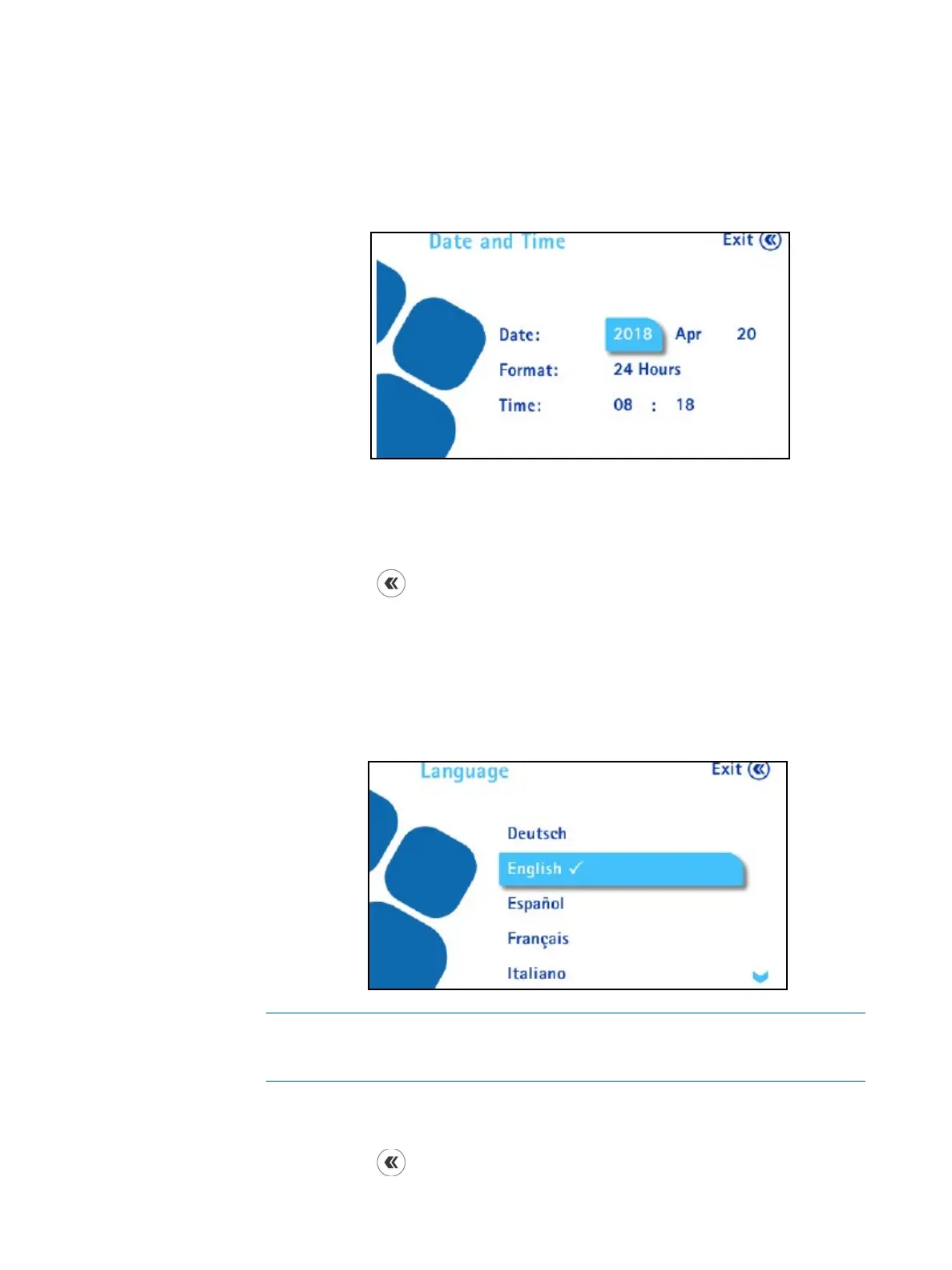
Date and Time
To set the date and time:
1. In the Configuration menu, turn the control knob to select Date and
Time. The Date and Time screen displays.
2. Turn the control knob to go from a field to another. To modify a value,
press the control knob to enter the value field, then turn the control knob to
change the value of the field. Press the control knob to confirm the value.
3. Press the
button to return to the Configuration menu.
Language
To set the language:
1. In the Configuration menu, turn and press the control knob to select
Language. The Language screen displays.
NOTE
The available languages are German, English, Spanish, French, Italian,
Portuguese, Japanese, Simplified Chinese, Turkish, and Russian.
2. Turn and press the control knob to select the desired language.
3. Press the
button to return to the Configuration menu.



 To Next Page