Page 67 of 113
Footswitch
The footswitch is an optional accessory (see Installing the Pump, Overview of
Optional Accessories). Use the footswitch menu to select the operating mode of
the footswitch.
To select the operating mode of the footswitch:
1. In the Configuration menu, turn and press the control knob to select
Footswitch.
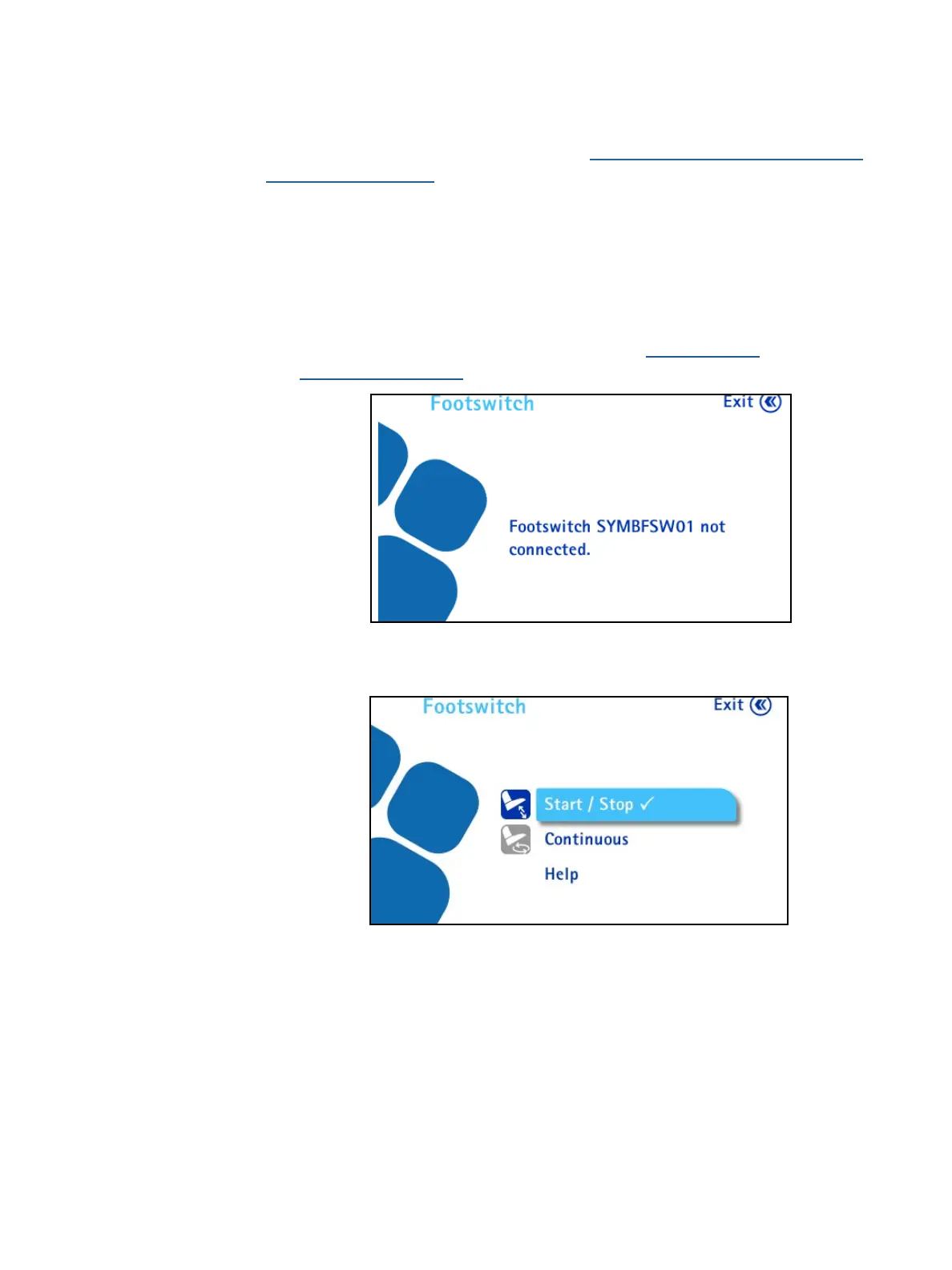
If the footswitch is not connected to the communication hub, the following
screen displays (to connect the footswitch, see Installing the
Communication Hub):
If the footswitch is connected to the communication hub, the following screen
displays:



 To Next Page