Page 72 of 113
When the calibration alerts are deactivated, the question regarding the
activation of the pump certificate no longer appears, and the calibration
countdown and alerts are hidden.
• Turn and press the control knob to activate or deactivate the
calibration alerts and countdown.
• To modify the calibration frequency, turn the control knob to select the
calibration frequency value. Push the control knob to enter the value
field, turn the control knob to change the value, and press the control
knob to confirm the value.
NOTE
The calibration frequency can be modified only if the calibration alerts and
countdown are activated. It can be changed to between 6 and 12 months.
• Press the
button to return to the Pump Information screen.
Alarm Volume
To set the volume of the pump alarm:
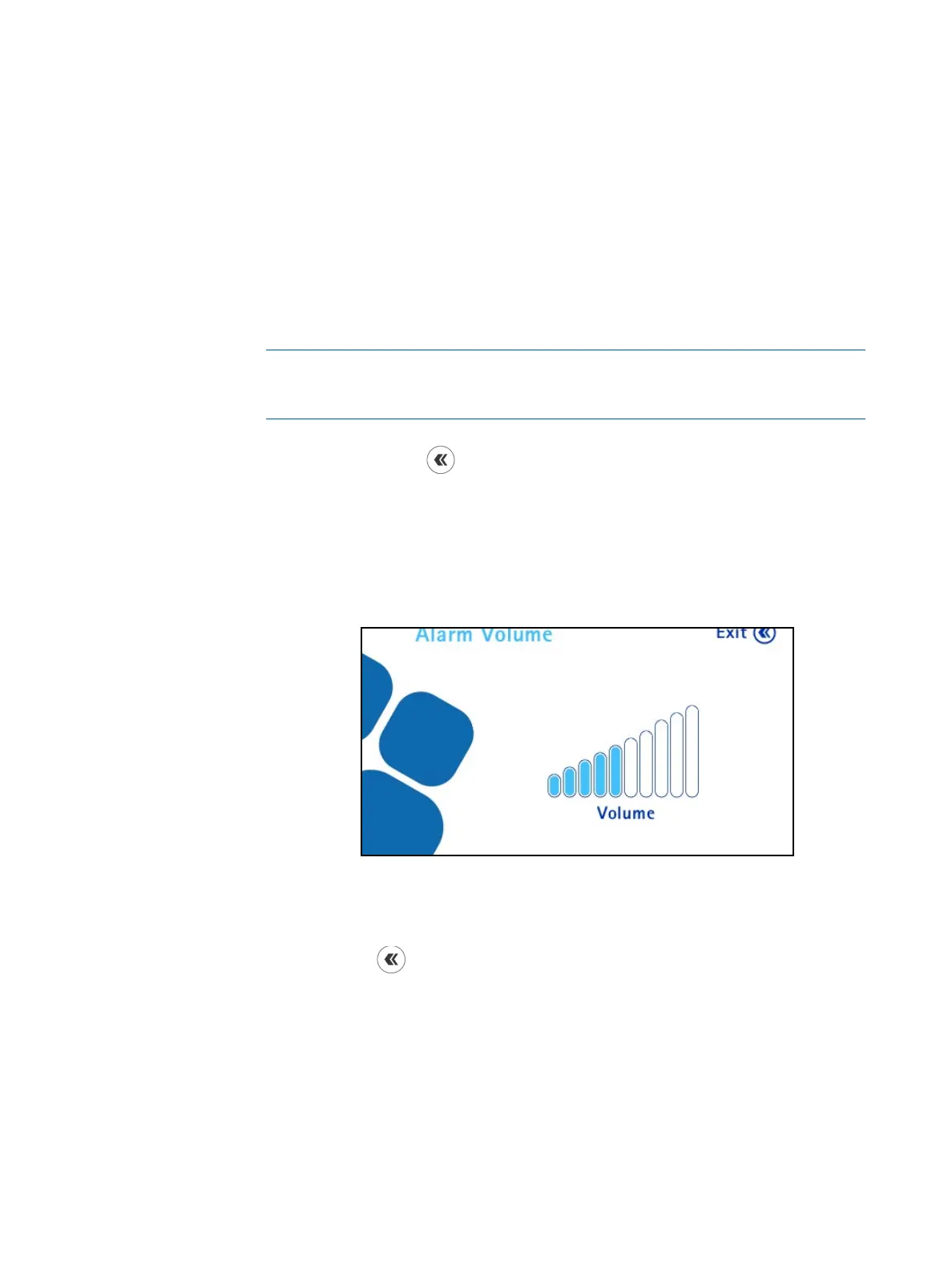
1. In the Configuration menu, turn and press the control knob to select
Alarm Volume. The Alarm Volume screen displays.
2. Turn the control knob clockwise to increase the volume and counterclockwise
to decrease the volume.
3. Press the
button to return to the Configuration menu.
Brightness
To set the brightness of the pump screen:
1. In the Configuration menu, turn and press the control knob to select
Brightness. The Brightness screen displays.



 To Next Page