Page 64 of 113
Conguring the Steritest
®
Symbio Pump
To configure the pump:
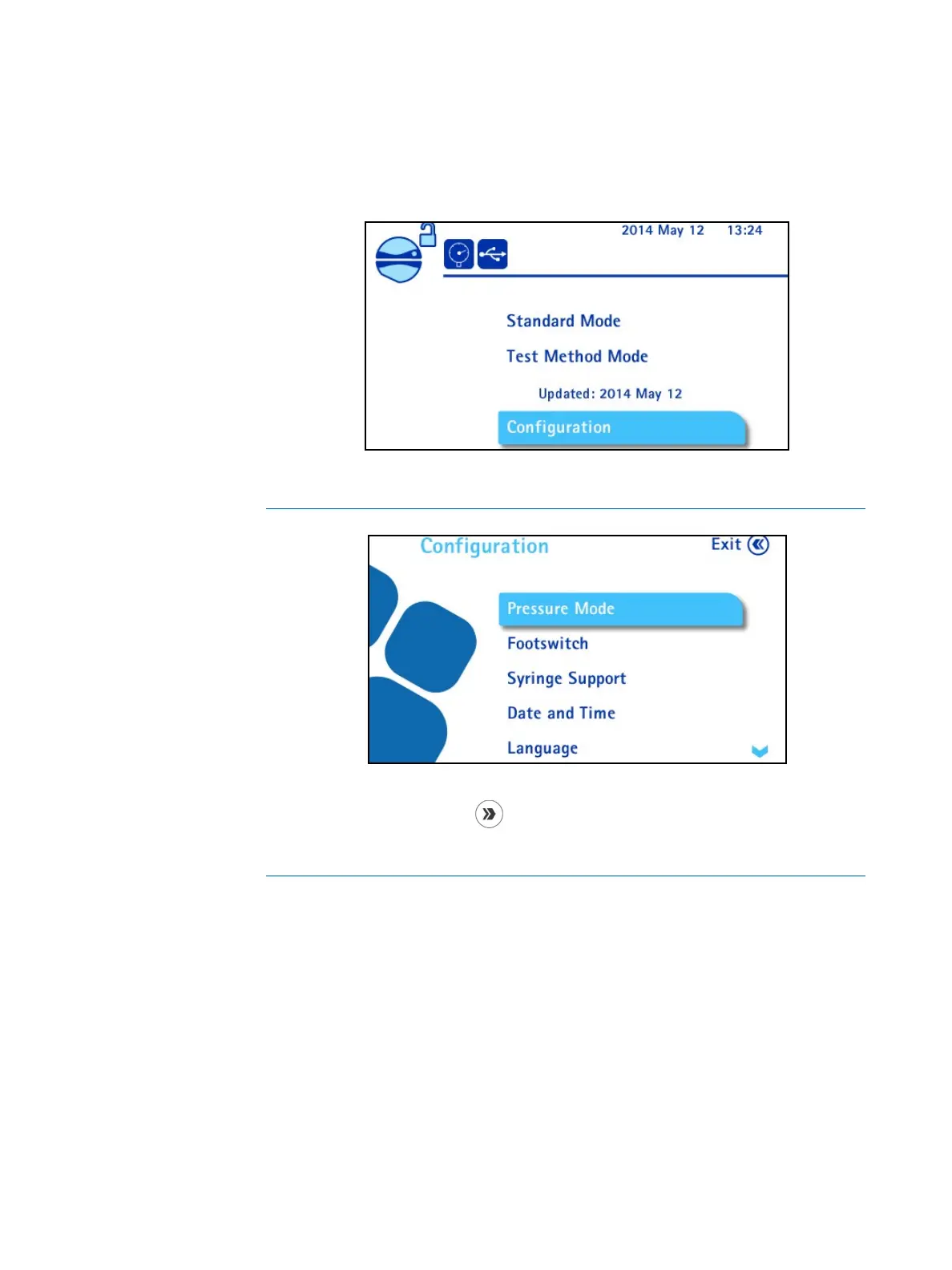
1. Access the main screen.
2. Turn and press the control knob to select Configuration. The
Configuration menu displays.
NOTE
The Configuration menu can also be reached directly from the Standard
Mode by pressing the
button when the pump head is closed and the
pump not running.
From the configuration menu, the following functions can be configured:
• Pressure Mode: select the pressure measurement system
• Footswitch: select the footswitch mode
• Syringe Support: activate the syringe support
• Date and Time: set the date and the time
• Language: select the language of the pump
• Pump Information: view pump information
• Alarm Volume: set the volume of the pump alarm



 To Next Page