Page 75 of 113
To ensure that test methods are not modified during pump use, the pump
must be in one of the two following states when it is receiving test methods:
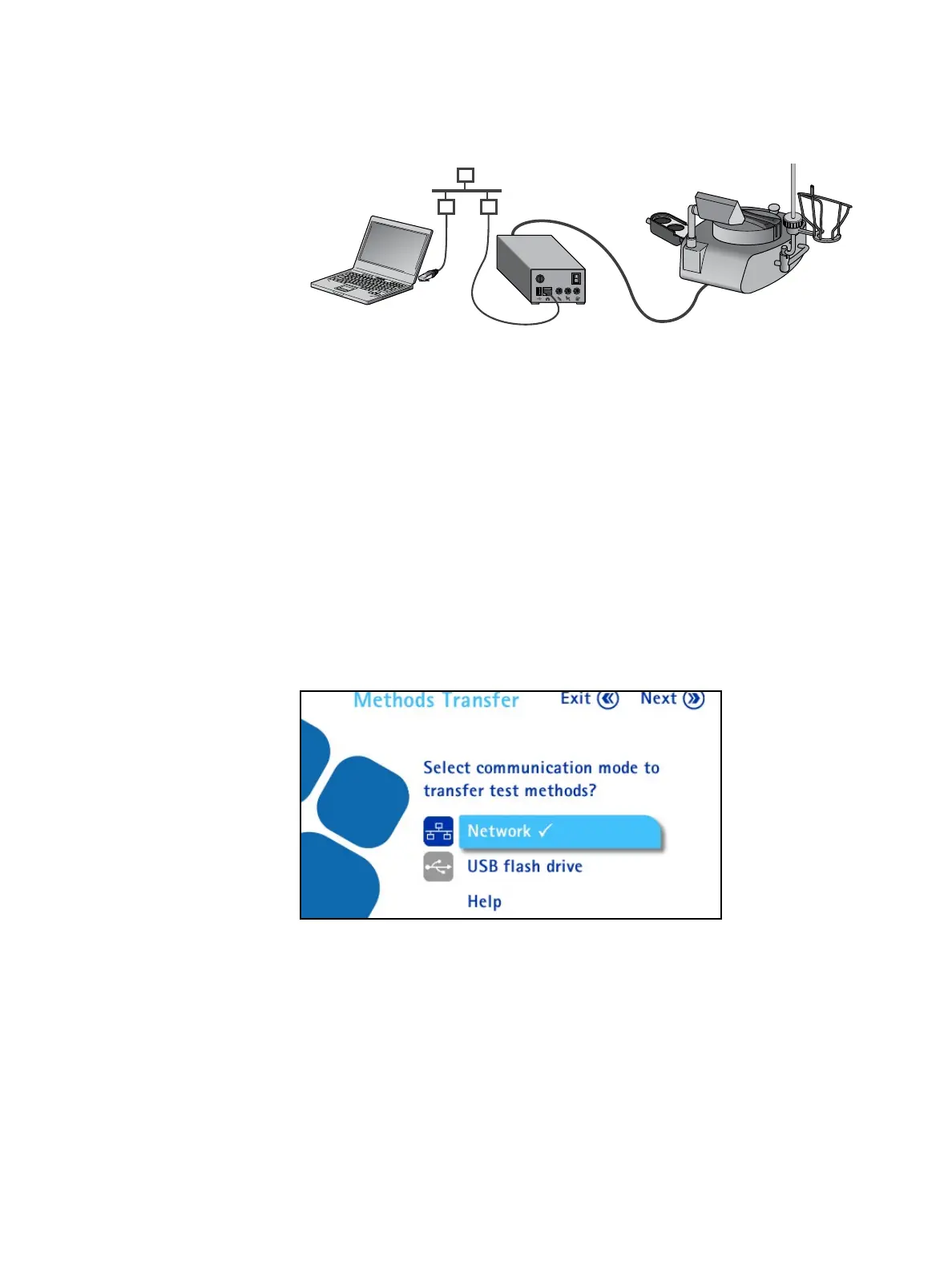
• Pump is ON in Configuration / Methods Transfer / Network / File
Transfer screen
• Pump is OFF, but the communication hub is ON
2. Do one of the following:
• If the pump is ON, continue to step 3.
• If the pump is OFF, and the communication hub is ON, go to step 6.
3. Access the Configuration menu from the main screen. In the
Configuration menu, turn and press the control knob to select Methods
Transfer. The Methods Transfer screen displays.
4. Turn and press the control knob to select Network.
Network connection between pump and computer:



 To Next Page