Page 76 of 113
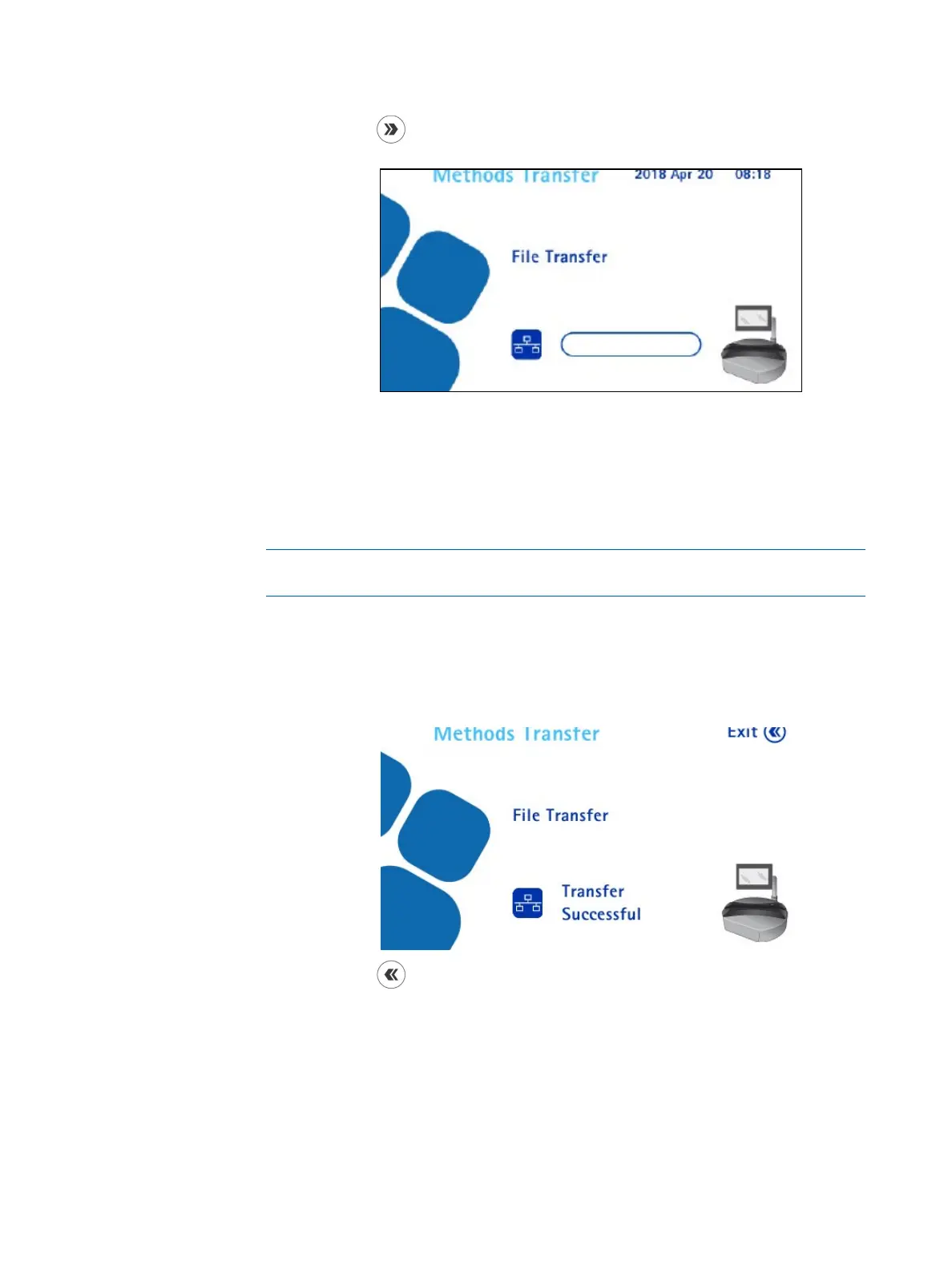
5. Press the button to continue. The File Transfer screen displays. The
pump is ready to receive test methods from the Steritest
®
Symbio Software.
6. In the Steritest
®
Symbio Software, click the Connect command to connect
the software to the pump. From the drop-down list, select the pump to be
updated.
7. Select the transfer file to be transferred and confirm the transfer (see the
Steritest
®
Symbio Software User Guide).
NOTE
Transferring test methods to the pump erases its current content.
The transfer starts.
If the pump is ON, a progress bar shows the progression of the transfer
on the pump screen. When the transfer is complete, the following screen
displays:
8. Press the
button to return to the Configuration menu.



 To Next Page