Page 41 of 113
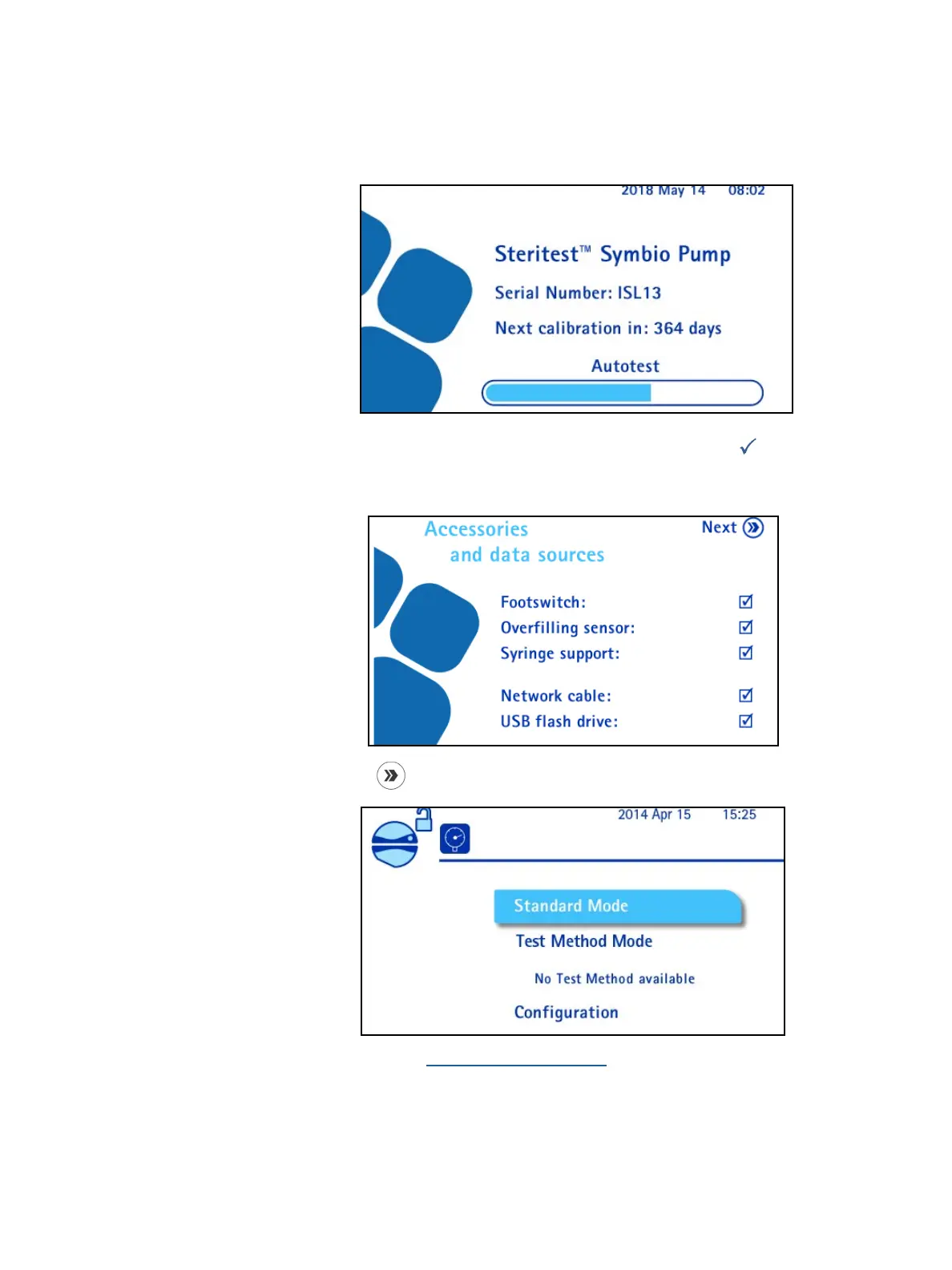
The Autotest screen displays. The autotest procedure starts, and the pump head
opens. The screen also displays the serial number of the pump and the number of
days before the next scheduled calibration.
When the autotest is complete, the following screen displays. A
symbol in a
check box indicates that an accessory or data source is connected to the
communication hub.
9. Press the
button to continue. The main screen displays:
10. To continue, see Using the Main Screen.



 To Next Page