Page 52 of 113
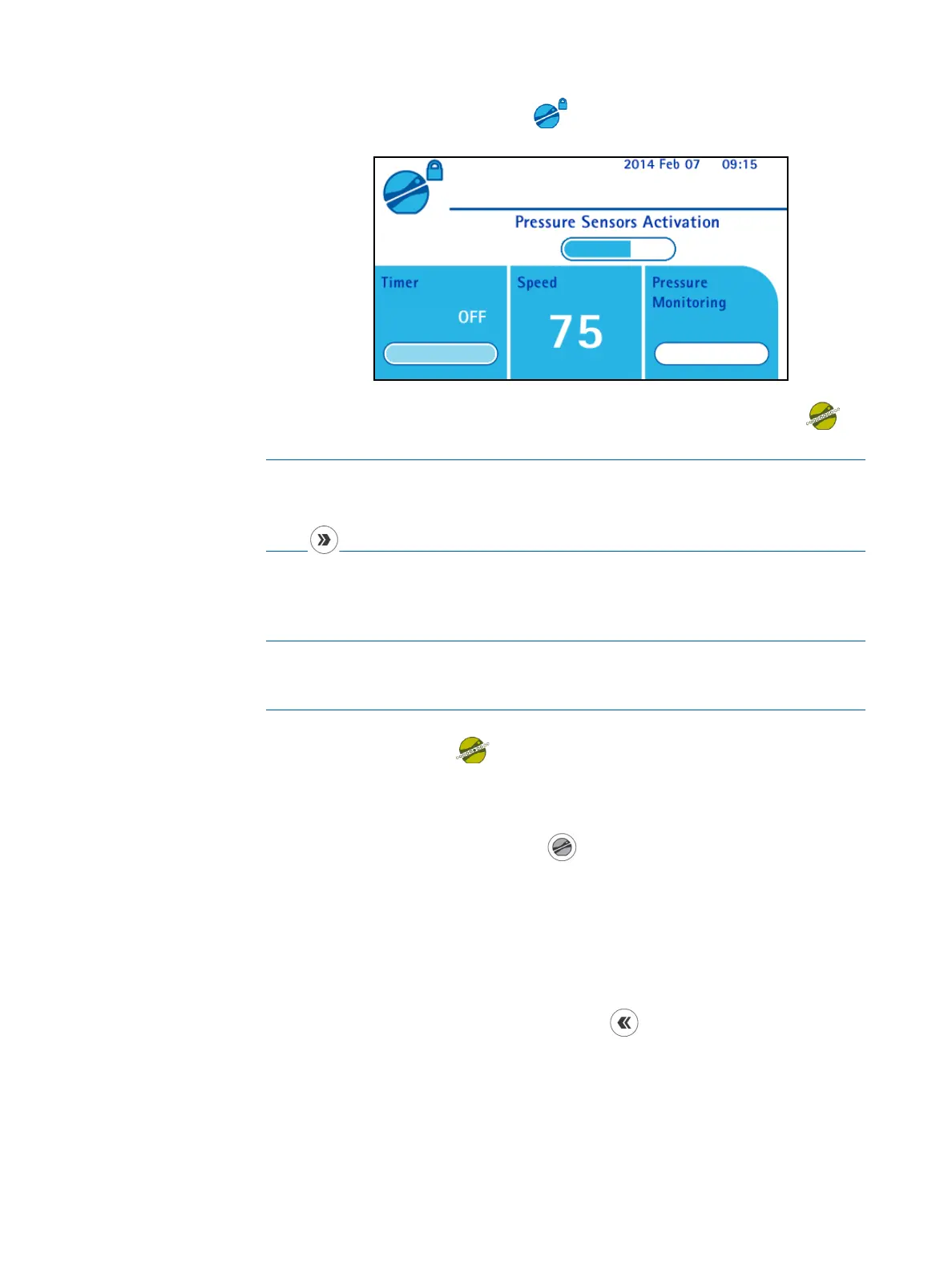
When the pump head is closed, the icon displays. The activation procedure
of the pressure sensors starts.
When the pressure sensors are activated, the pump is ready to start. The
icon displays.
NOTE
To access the Configuration menu without going out of the Standard
Mode when the pump head is closed and the pump not running, press the
button on the pump control panel.
5. To start the pump, press the control knob or use the footswitch (if
connected).
NOTE
If the pump head is not closed, the message “Close pump head before
starting pump” displays on the information area of the screen.
The pump starts, and the
icon with the a moving dot displays.
6. To stop the pump, press the control knob or use the footswitch (if
connected).
7. When test is complete, press the
button on the pump control panel to
open the pump head.
8. When the pump head is open, remove the Steritest
®
Device.
9. Do one of the following:
• To run more tests in Standard Mode, go back to step 3 of this section.
• To return to the main screen, press the
button.
Modifying Speed in Standard Mode
The rotation speed can be changed by turning the control knob when the pump is
running or when it is not running. It can also be changed during the pump head
closure and the activation of the pressure sensors.



 To Next Page