Page 54 of 113
NOTE
To stop the pump before the end of the timer value, press the control knob.
A message asking if filtration should resume with remaining time displays.
To stop the pump, turn and press the control knob to select No.
Using the Waste Overll Sensor in Standard Mode
In Standard Mode, when the maximum liquid waste level is reached, the waste
overfill sensor icon changes from blue to red. An alert beep sounds from the
pump. An orange LED lights up on the waste overfill sensor. The pump continues
to run.
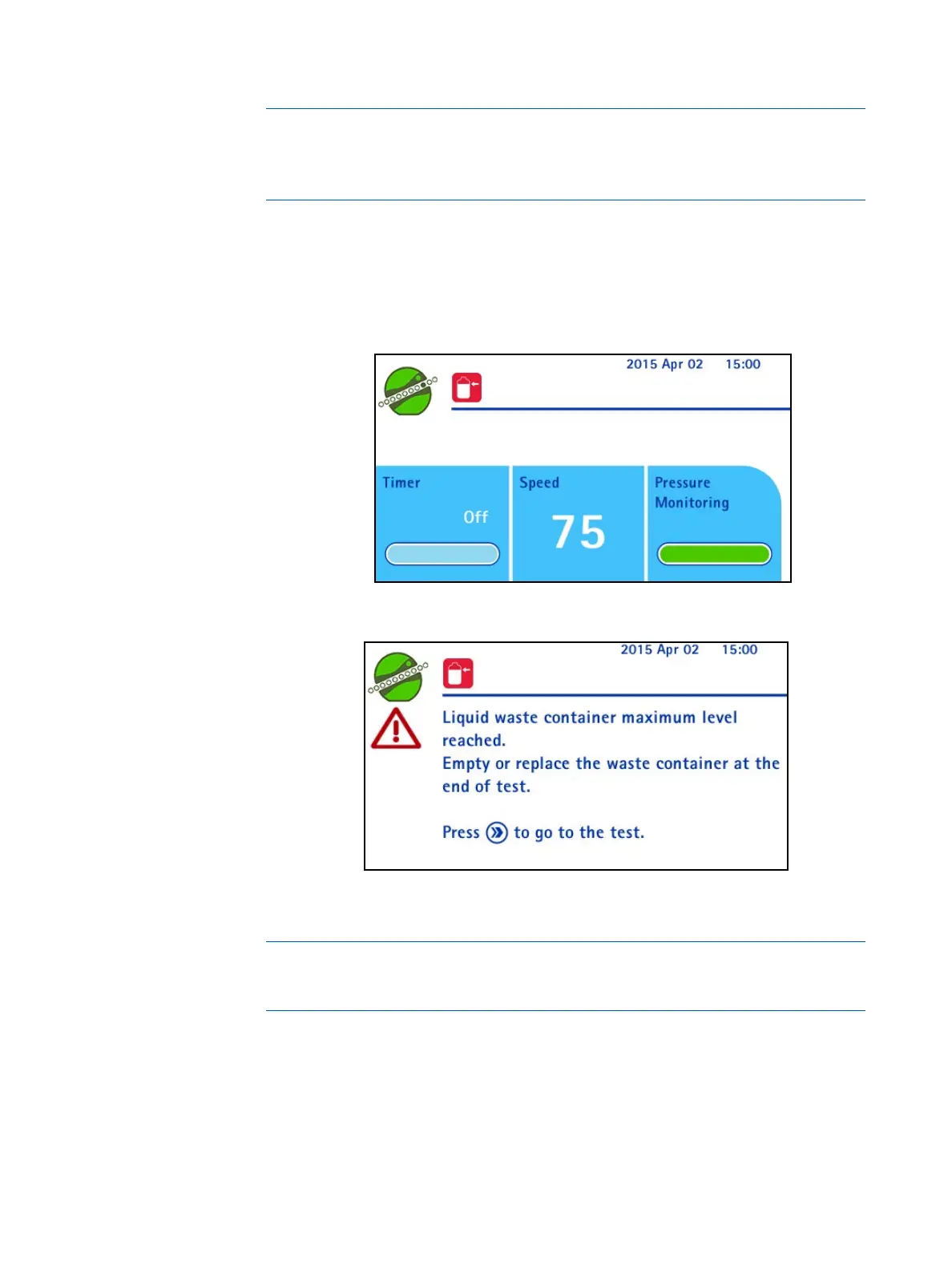
When the pump is stopped manually, the overfill alert screen displays:
The red waste overfill sensor icon and the warning symbol remain on the screen
until the waste receptacle is emptied or replaced.
NOTE
The test in progress can be finished before the waste container is emptied
or replaced.



 To Next Page