Page 59 of 113
The pump runs at the new speed. This speed is valid only for the current step of
the test method; in the next sequence in the test method, the pump operates at
the predefined speed.
Changing the Timer Setting While Running a Test Method
The filtration parameters for each step are predefined in the test method, and the
preset timer value cannot be changed. However, it is possible to stop the pump
before the end of the timer value.
To stop the pump before the end of the timer value:
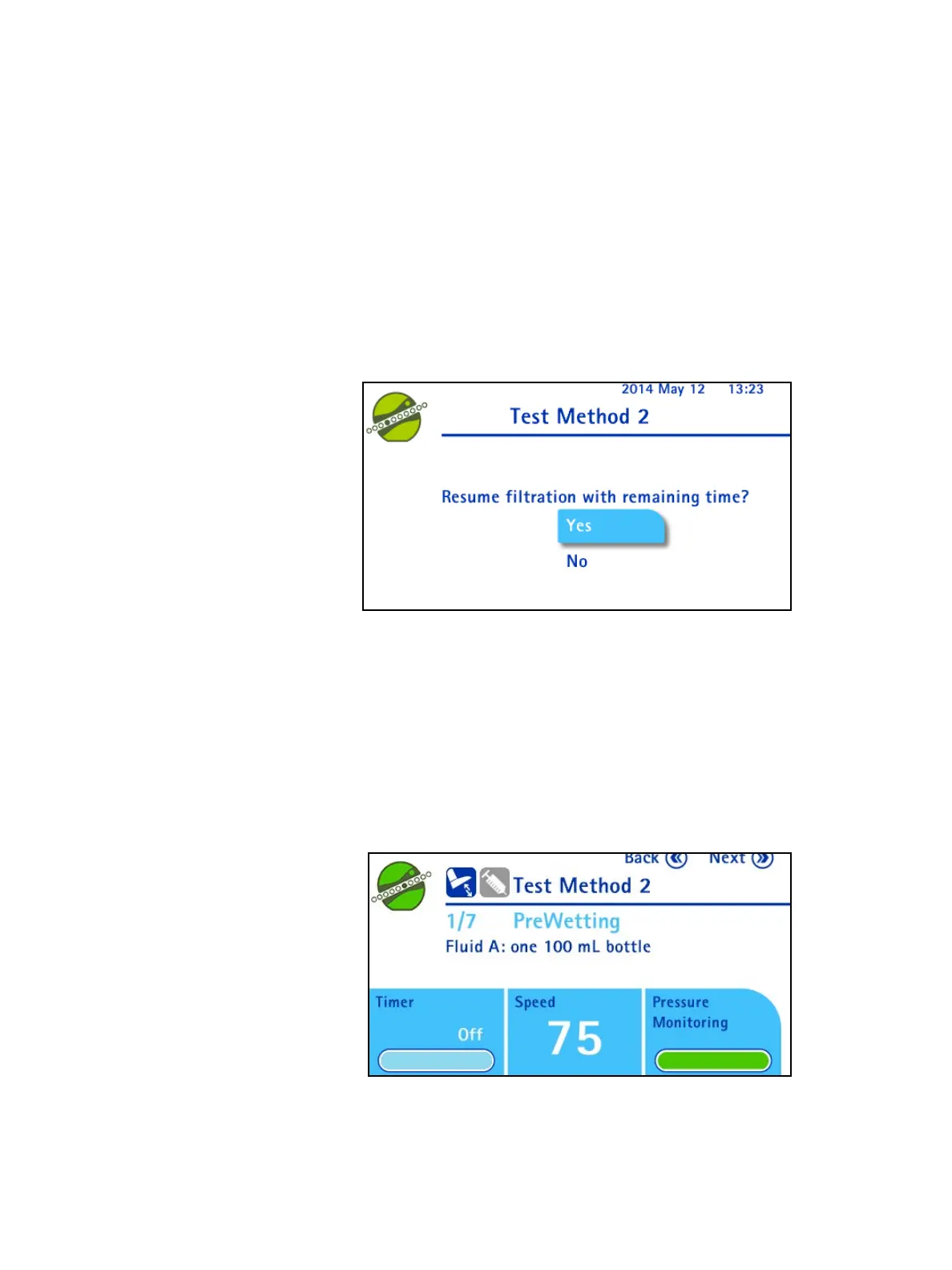
1. When the pump is running, press the control knob. The pump and the timer
countdown stop and the following screen displays:
2. Turn the control knob to select No. Press the control knob to stop the pump
before the
end of the timer sequence.
Changing the Pressure Mode While Running a Test Method
The filtration parameters are predefined in the test method; the pressure mode
cannot be changed.
Using the Waste Overll Sensor in Test Method Mode
In Test Method mode, the waste overfill sensor icon is not displayed on the screen
next to the title:



 To Next Page