Page 82 of 113
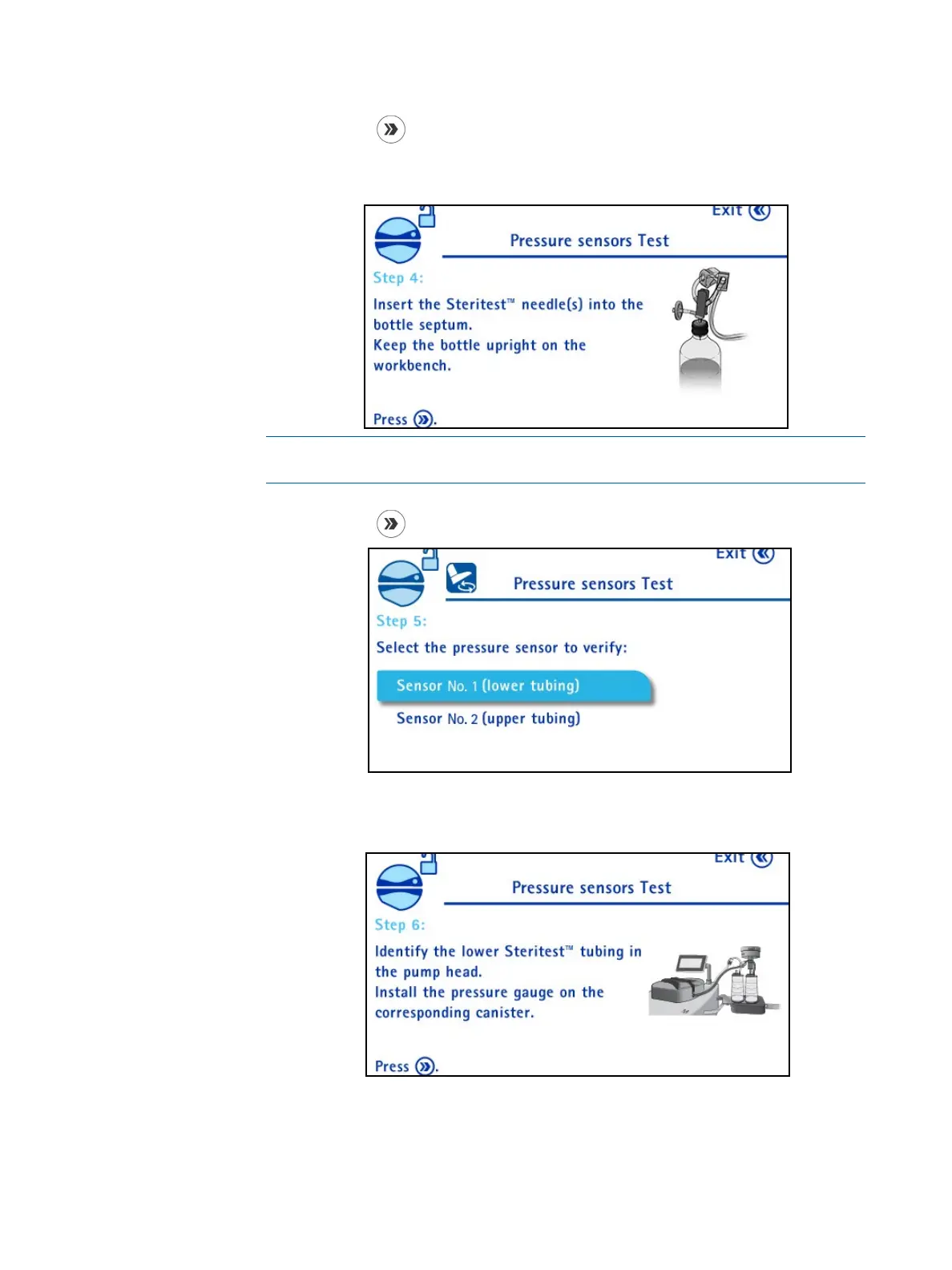
6. Press the button to continue. The following screen displays:
Insert Steritest
®
needle adapter into a sterile water bottle (volume > 500
ml).
NOTE
Keep the bottle upright on the workbench.
7. Press the
button to continue. The following screen displays.
8. Turn and press the control knob to select Sensor number 1 (lower tubing).
The following screen displays:



 To Next Page