Page 93 of 113
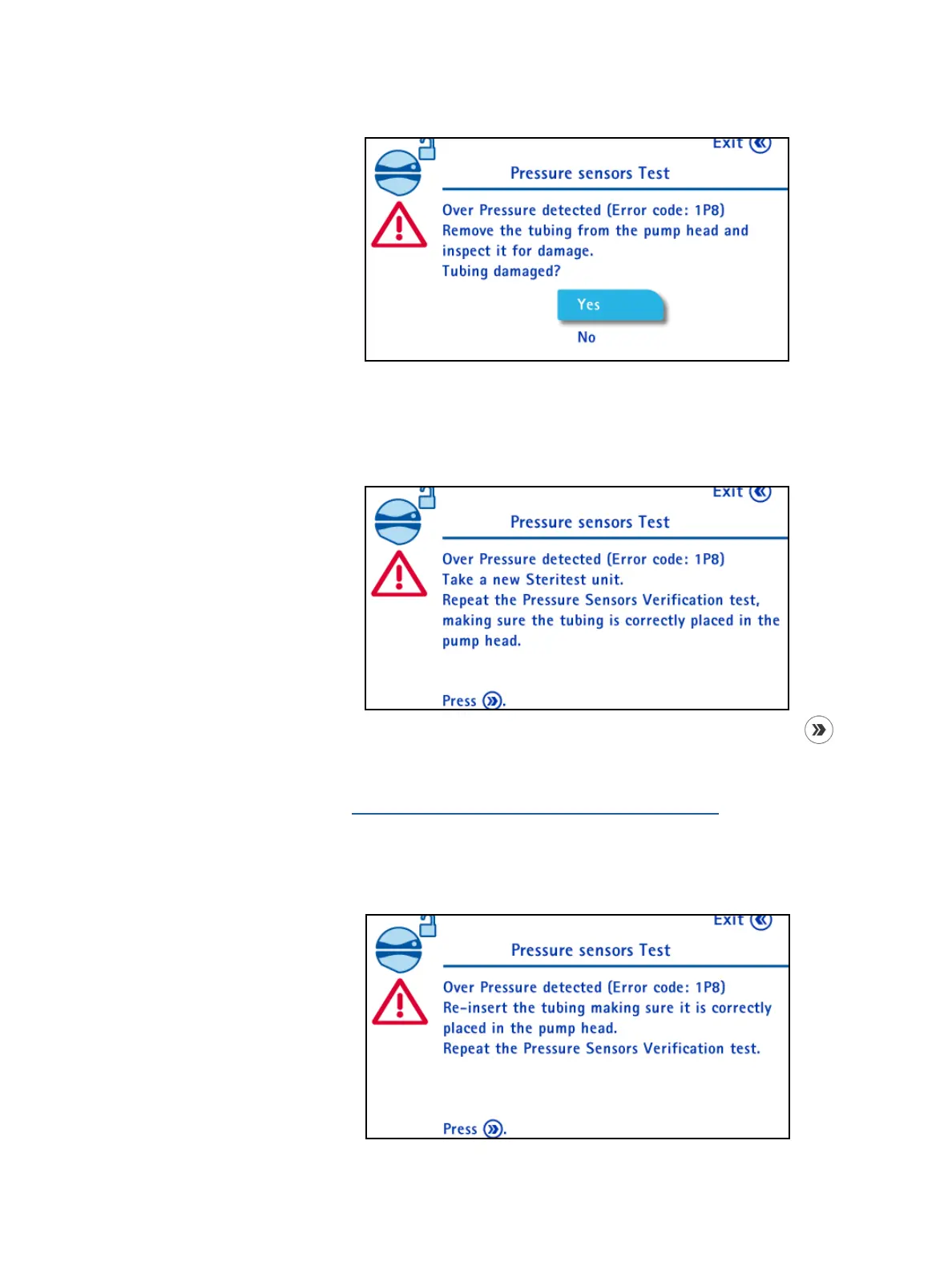
The pump head opens and the following screen displays:
Check the tubing and do one of the following:
• If the tubing is damaged:
• Turn and press the control knob to select Yes. The following screen
displays:
• Discard the Steritest
®
device and install a new one. Press the
button.
• Restart the pressure sensor test procedure as explained in
Configuring the Pump, Pressure Sensors Test.
• If the tubing not damaged:
• Turn and press the control knob to select No. The following screen
displays:



 To Next Page