EasyManua.ls Logo

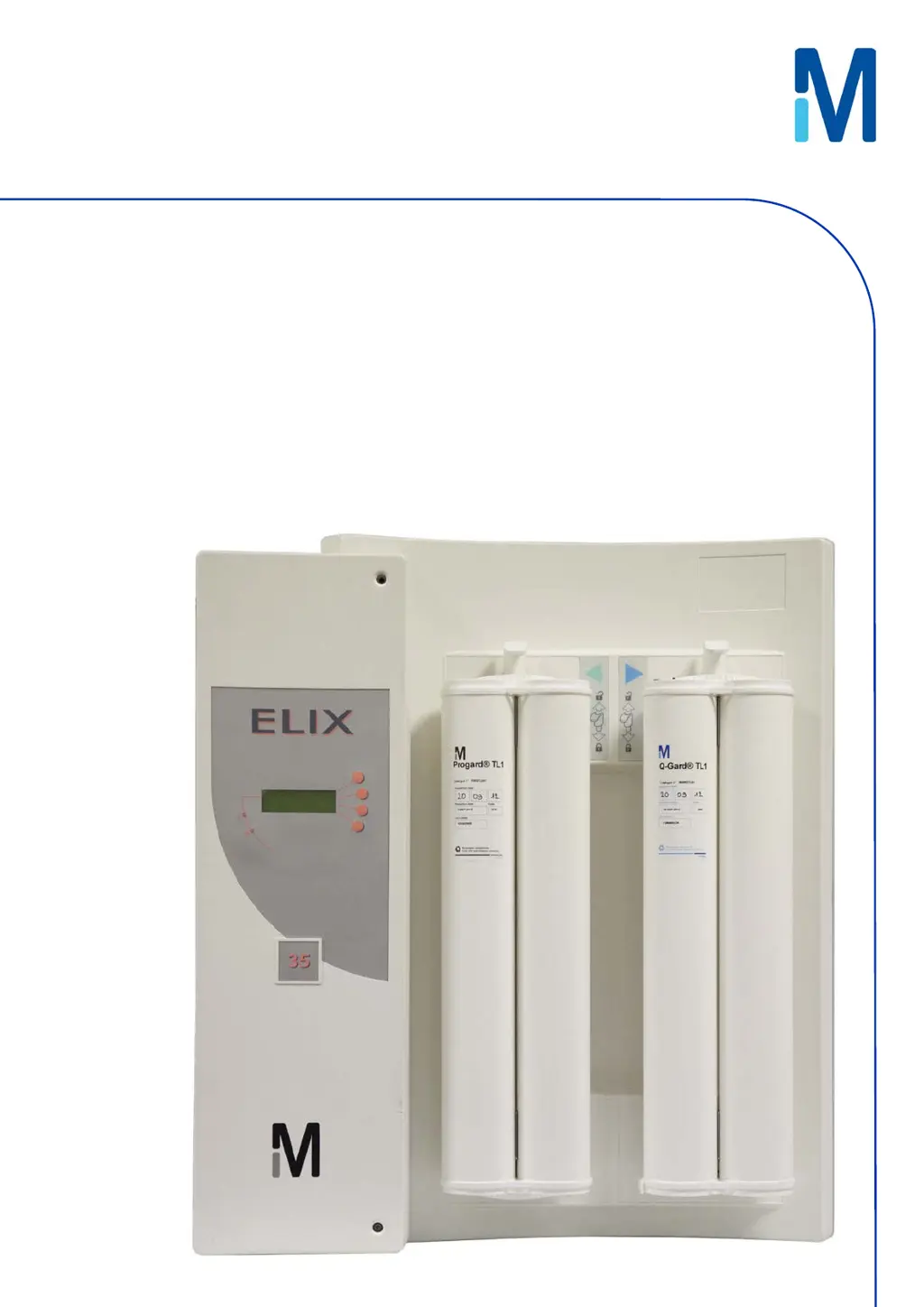
Millipore Elix 35 - User Manual

Millipore Elix 35
71 pages
Print Icon
To Next Page IconTo Next Page
Loading...
User Manual
Elix® 20, 35, 70 and 100

Table of Contents

Questions and Answers

  • C
    cgreenAug 25, 2025
    How to clear EXCH. UV lamp in XX days message on Millipore Water Filtration Systems?
    • A
      Anthony BarronAug 25, 2025
      The message 'EXCH. UV LAMP IN XX DAYS' on your Millipore Water Filtration System will disappear when you install a new UV Lamp and reset the software timer.
  • B
    bhesterAug 23, 2025
    How to clear ASM UV lamp exchange overdue message on Millipore Elix 35?
    • S
      Shawn TaylorAug 23, 2025
      The 'ASM UV LAMP EXCH. OVERDUE: XX DAYS' message on your Millipore Water Filtration System will disappear once a new ASM UV Lamp is installed and its software timer is reset.

Summary

Safety Information

Safety Statement

General operating safety guidelines for the Elix System.

Safety Symbols

Explains various safety symbols and their meanings.

Product Information

Elix Product Water Specifications

Details the flow rates and quality parameters of the Elix system's product water.

Technical Specifications

Lists physical dimensions, weight, operating pressures, environmental, and electrical specs.

Using the Elix System

Normal Product Water Delivery

Explains how the Elix System delivers water automatically and manually.

Maintenance

Scheduled Maintenance Table

Provides a table outlining typical maintenance tasks, their frequency, and how to perform them.

Replacing the Progard TL

Step-by-step guide for removing and installing the Progard TL pretreatment pack.

Sanitising RO Cartridges

Explains automatic and manual methods for sanitising RO cartridges.

Cleaning RO Cartridges

Details how to clean RO cartridges using RoClean A or B, and when cleaning is needed.

Replacing the QGard TL1 Polisher Pack

Provides instructions for replacing the QGard TL1 polisher pack.

Troubleshooting

Message Types and Display

Explains the different types of messages (Maintenance, Alarm, Alarm Stop, Custom) and how they are displayed.

Interpreting Alarm;Maintenance Messages

Details specific LCD messages, their meanings, and recommended actions.

Millipore Elix 35 Specifications

General IconGeneral
Output Flow Rate35 l/h
TOC< 30 ppb
Bacteria< 1 CFU/mL
Feed Water Pressure1 - 6 bar
Feed Water Temperature5 - 35 °C
Product Water QualityType 2 Water
Purification TechnologyReverse osmosis
Resistivity> 5 MΩ·cm @ 25 °C
Conductivity< 0.2 µS/cm @ 25 °C
Particle Size< 0.2 µm
Feed WaterPotable water
Power Supply50/60 Hz

Related product manuals