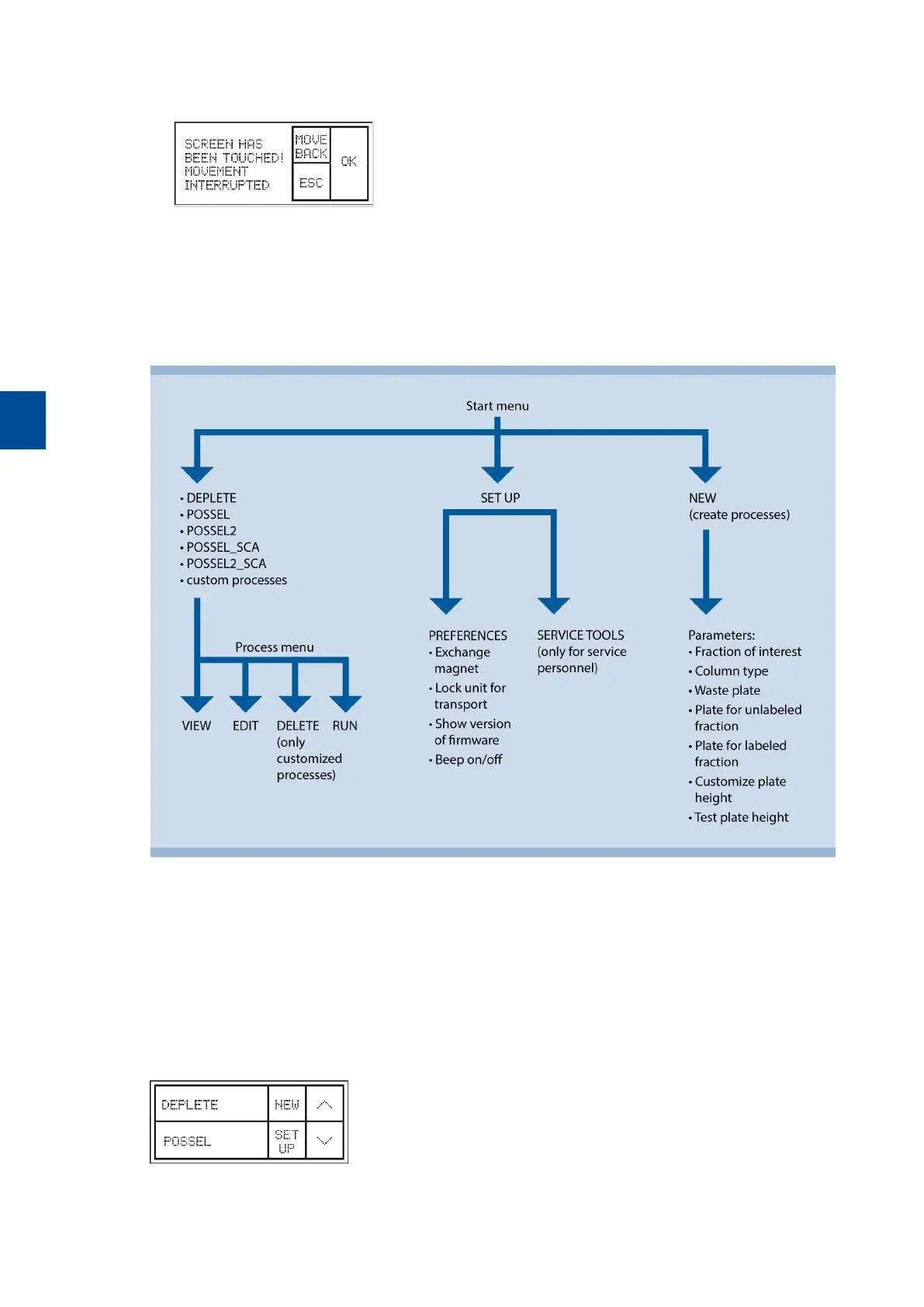
1 In case of malfunction, tap anywhere on the display to stop the MultiMACS Cell24 Magnet. The following
screen is shown.
2 Tap OK to continue, tap MOVE BACK to move the MultiMACS Cell24 Magnet to the last position, or tap
ESC to abort the process.
3.3 Menu
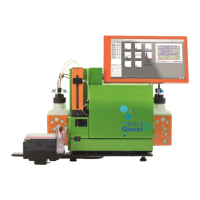
The following chart shows the software menu structure of the MultiMACS Cell24 Separator Plus.
Figure 3.1: The software menu structure.
3.3.1 Start menu
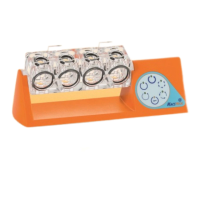
In the Start menu the following three options are available.
l Select a separation process (pre-defined process or custom process).
l Go to NEW and create a customized process.
l Go to SET UP.
Figure 3.2: Start menu of the MultiMACS Cell24Separator Plus.
3
OPERATING THE INSTRUMENT
48


 To Next Page