6
CUSTOM PROCESSES
69
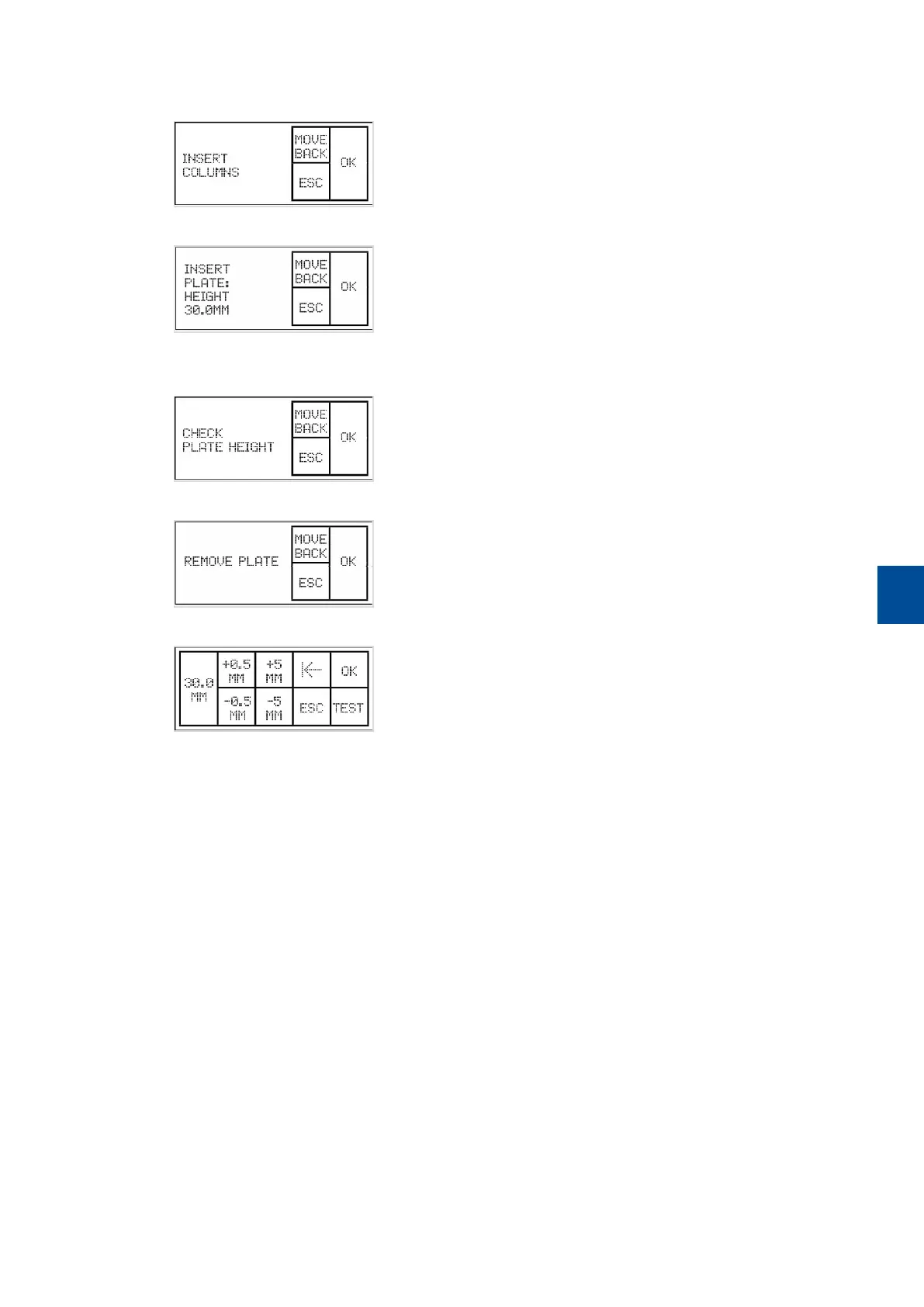
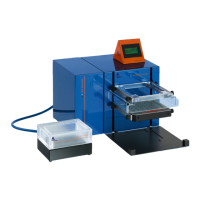
2 Insert the Multi-24 Colum Block or the MultiMACS Single-Column Adapter. Tap OK. The MultiMACS Cell24
Magnet moves up to the next position.
3 Place the plate to be tested. Tap OK and the MultiMACS Cell24 Magnet will move down to the next position.
4 Check whether the height is acceptable by moving the Tip-Touch Plate back and forth. The column tips
must be inserted slightly in the well (1 mm). Tap OK and the MultiMACS Cell24 Magnet moves up.
5 Remove the plate. Tap OK.
6 The MultiMACS Cell24 Magnet moves down and the first screen is shown again.
7 Tap OK if the height was acceptable. Otherwise edit the plate height and repeat the test.


 To Next Page