95
10 Enable & Disable configuration by scanning barcode
Note: The setting of the below two barcodes does affect the operation of scanning the barcodes in 13
Return default parameters & firmware version.
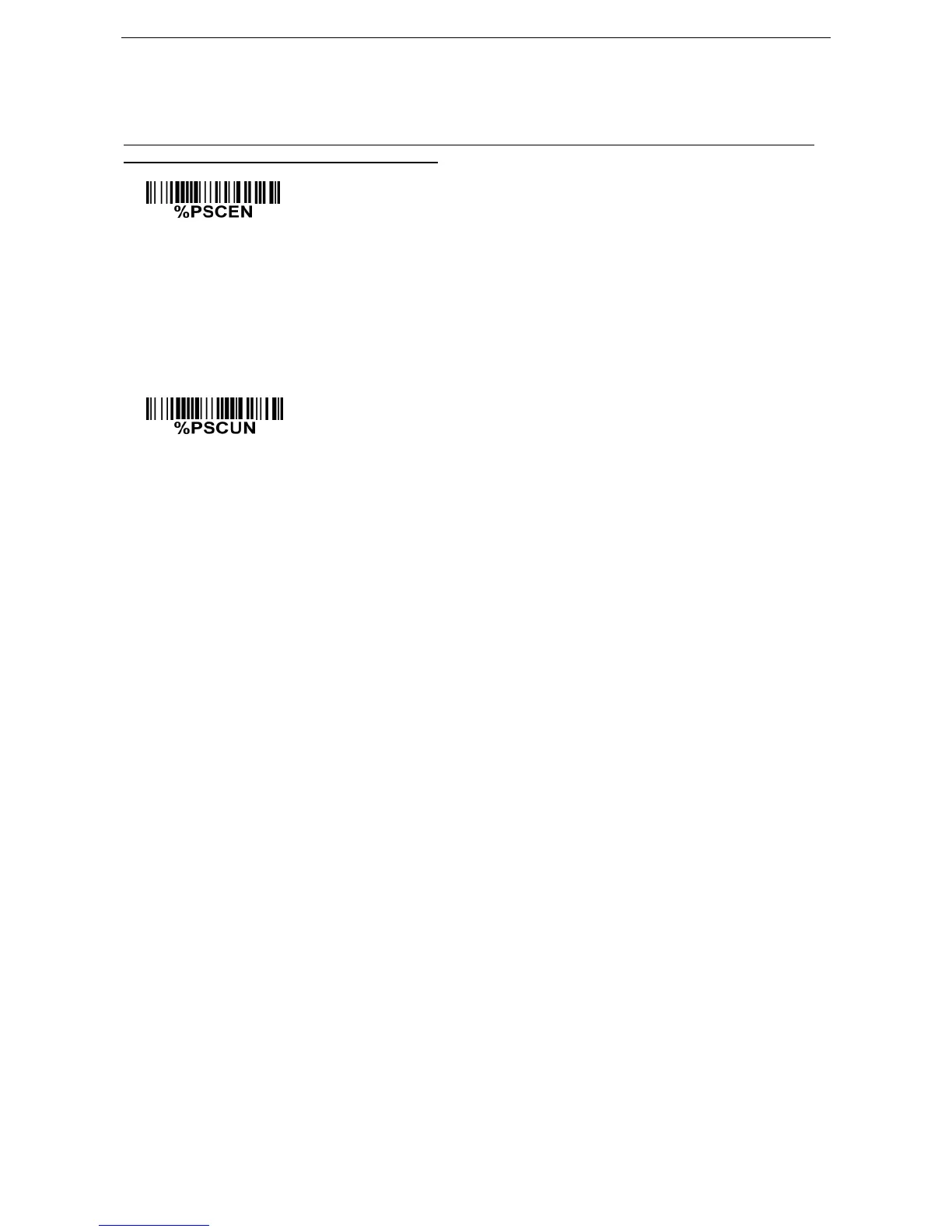
Enable configuration by scanning barcode (Default)
The default status of the embedded scanner is enabled to scan configuration barcode.
Disable configuration by scanning barcode
Scan the above barcode to disable scanning configuration barcode, then the embedded scanner
will not operate configuration by scanning configuration barcodes, but the data string of
configuration barcode will be displayed. If you want to operate configuration by scanning
configuration barcodes, please scan



 To Next Page