EasyManua.ls Logo

Mindeo MS3690 - Default Setting; System Information; View Memory; Bluetooth

Mindeo MS3690
105 pages
Print Icon
To Next Page IconTo Next Page
To Previous Page IconTo Previous Page
Loading...
29
5-3-11 Default Setting
All parameters of the terminal return to default setting.
Table 5-2 Default setting of terminal
Items Option
Language
English*
Chinese
TR Chinese
character encoding
UTF-8*
GBK
Big5
……
Volume
Off
Low
Middle*
High
Keystone
Disable*
Enable
Vibration
Disable*
Enable
Backlight timeout
10s
30s*
60s
Off
Screen Luminance
Low
Middle*
High
Sleeping timeout
1min
5min*
10min
Off
5-4 System Information
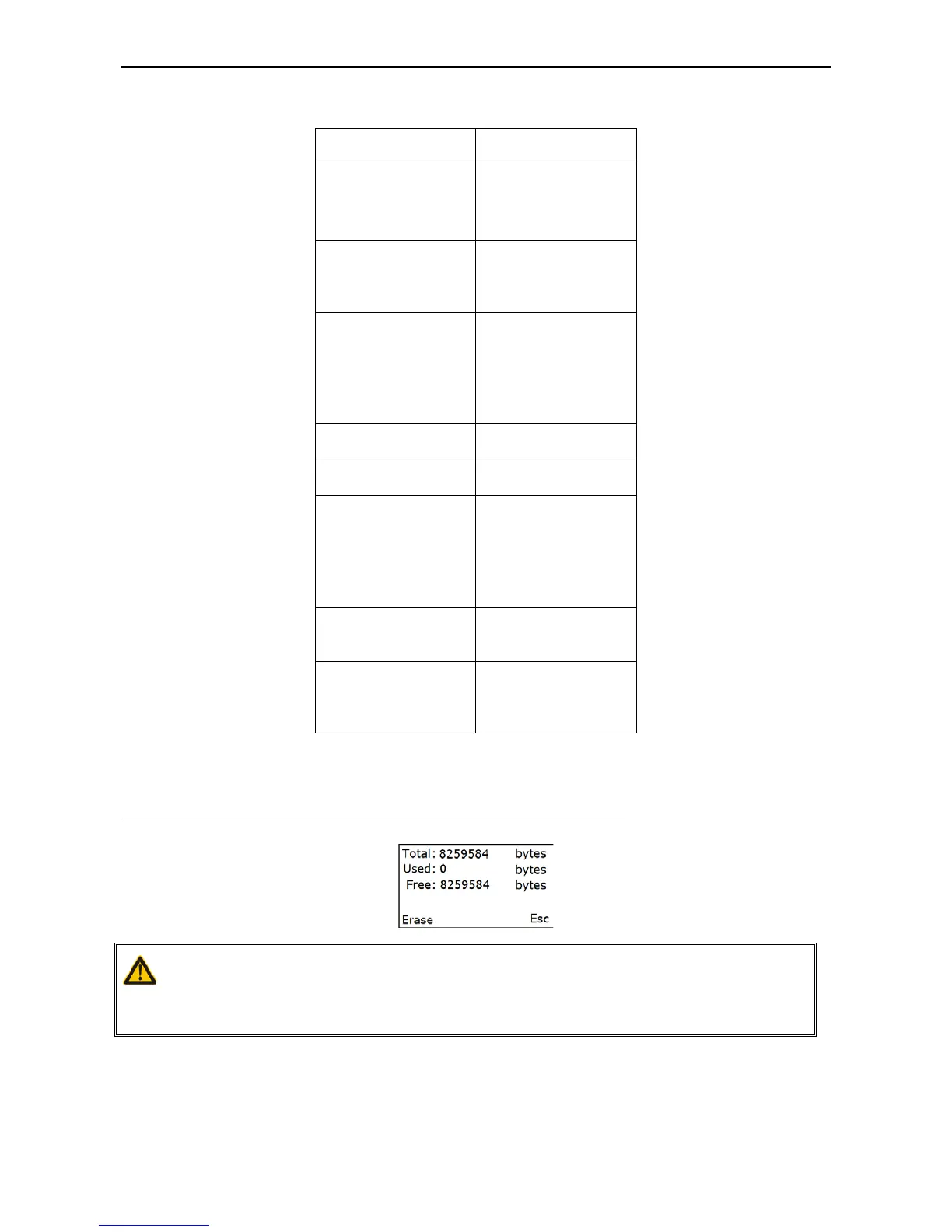
5-4-1 View Memory
Note: User can press Left Soft Key to erase data to release used memory.
User can view the used and remain memory capacity in Batch Mode.
5-4-2 Bluetooth
User can view the name and address of the Bluetooth module.
Example:
Caution:
1. Erasing operation will delete all data in the memory.
2. Erasing operation is not undoable.

Table of Contents

Other manuals for Mindeo MS3690