21
Shenzhen” on the OLED screen.
Note: The default database files are named SYS_DB.IDX and SYS_DB.DAT. In order to utilize the
database functionality user should NOT change these file names and these two files are properly stored
to the flash disk.
5-1-6-2 No Duplication
When user scans the barcode, the terminal retrieves the database for a match in the meantime. If the
barcode does not exist in the database, the barcode will be recorded into the database file, sent out or
stored in USB Disk. Neither transmission nor store operation will be performed if a barcode already
exists in the database. Furthermore, the “Barcode already exists” message is displayed on the OLED
screen.
User can clear the previous barcode record by entering the same barcode avoidance setting menu page
and pressing the left soft key (clear).
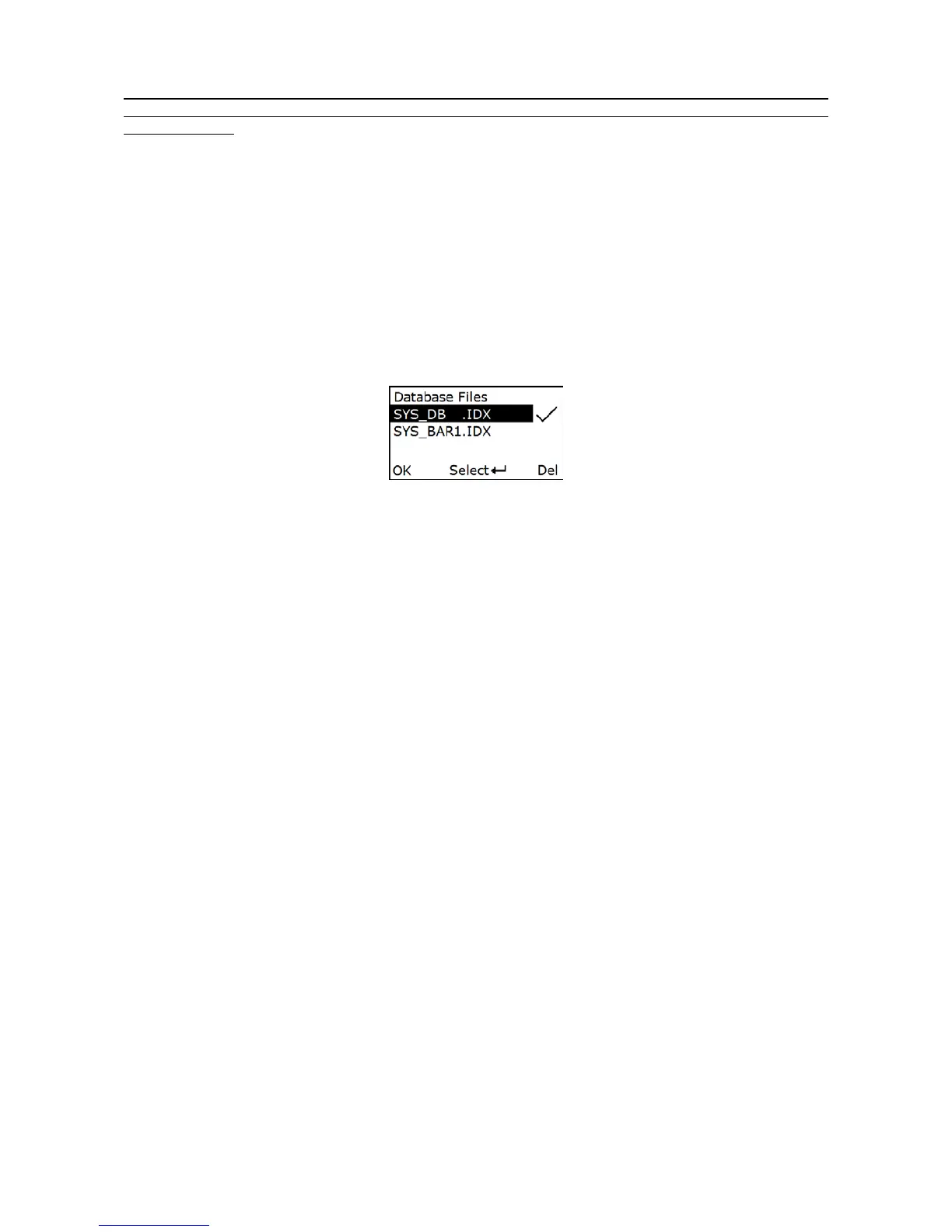
5-1-6-3 Database List
This menu can be selected to list all database files in the root directory. The file selected to be the target
file is labeled √. The operations described below are imposed to the cursor-on file, which is not
necessary to be the target file.
Example:
5-1-7 Sum Total
The terminal will automatically count and display the number of the whole barcodes which have been
sent or stored successfully when Barcode Statistics function is enabled.
User can clear the previous barcode record by entering the barcode statistic function setting menu page
and pressing the left soft key (clear).
5-1-8 Transfer Confirm
User can select to enable/disable the transfer confirm. When the scan is successful,The terminal
would point out that whether confirm to transfer this barcode. User can press left soft key to cancel
transfer or press right soft key to confirm transfer barcode data.
5-2 Data Transfer
5-2-1 Bluetooth
See 5-3 System Setting - Bluetooth for instructions to establish a Bluetooth network. Three options are
listed below.
Auto reconnection- When terminal’s Bluetooth is power on, it will try to establish the wireless
connection with the host which it last connected, if Auto Reconnection is enabled.
Inter-char delay- Inter-character delay is abbreviated to Inter-char delay. This delay is inserted after
each data character transmitted when configure Bluetooth to HID keyboard profile. Some Bluetooth
communication needs large delay to avoid data missing. This default delay is set to 8 milliseconds.



 To Next Page