2524 B
ASIC IMAGE PROCESSING
Digital ICE - Image Correction Enhancement
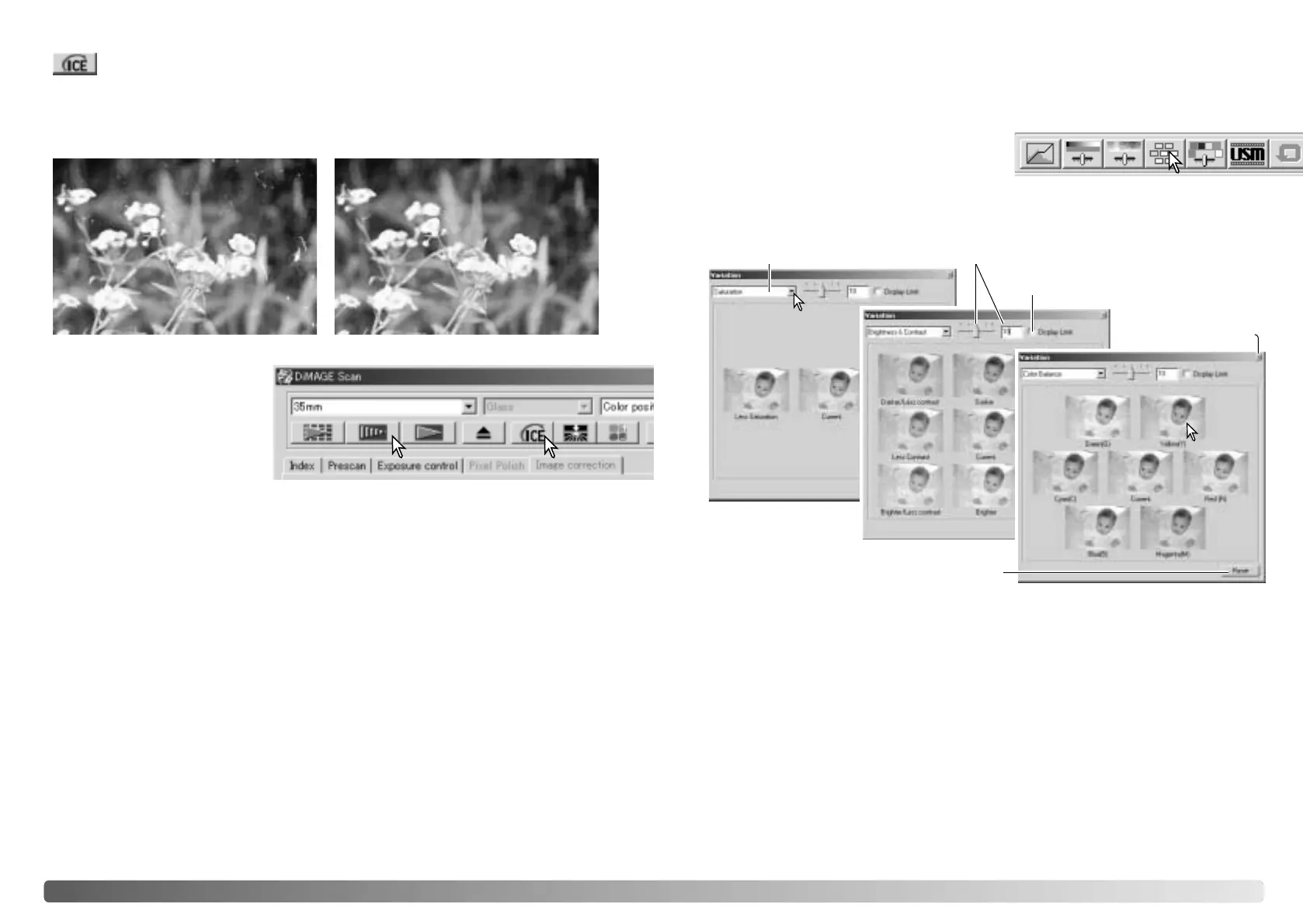
Click the Digital-ICE button to
activate the function. Press the
prescan button to view the
results.
Digital ICE processing is applied to the prescan and final scan. To turn off Digital ICE,
click the Digital-ICE button again. Each time the Digital ICE button is pressed, the
prescan image is deleted and another prescan needs to be made.
Digital ICE cannot be used with Kodak Kodachrome film or traditional silver-halide
black and white films. Special black and white films that are designed to be developed
in a C-41 or equivalent color process, Kodak Select Black & White 400, Kodak
T400CN, or Ilford XP2 Super, can be processed with the Digital ICE function. These
films should be scanned with the color-negative film-type setting. Results cannot be
guarantied with other types of black and white film.
The undo, redo, and reset-all buttons have no effect with the Digital ICE
3
functions.
Original image After Digital ICE processing
Variation palette
The variation palette allows an image to be corrected by comparing it to other slightly
corrected images surrounding it. This is an easy method to correct images for
individuals who are inexperienced in image processing or photofinishing.
Click the variation button to display the palette.
Click the arrow next to the variation list box (1) to select the image quality to be
corrected: color balance, brightness and contrast, or saturation. Each variation palette
shows the current image in the center with corrected samples displayed around it.
Variation list box Variation-step slider and text box
Display-limit check box
Close button
Reset button
1
2
Click the best image among the frames (2). The selected image becomes the new
center surrounded by a set of new images and the change is applied to the prescan
image. This procedure can be repeated until the desired correction is obtained. Click
the reset button to cancel all changes.
The difference between the samples can be changed. Drag the variation-step slider,
or enter a value into the text box to set the degree of correction. The initial setting is
10. The correction step can be set between 1 and 20.
Checking the display-limit check box will indicate when any of the image values
exceed 0 (black limit) or 255 (white limit) with the complementary color. For example,
if the blue area of the image exceeds those values, the limit is displayed with the
complementary color, yellow.
Click the close button to close the palette and apply any image corrections.
Digital ICE reduces the effects of surface defects, dust, scratches, fingerprints, mold,
etc., from the film image during scanning. The scanning time increases with the use
of Digital ICE. The Grain Dissolver automatically activates with Digital ICE when both
functions are available.








 To Next Page