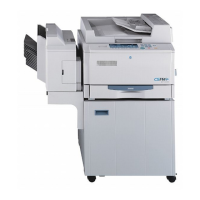
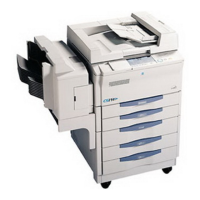
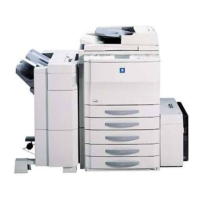
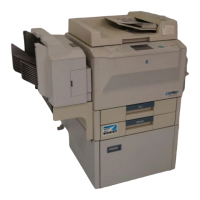
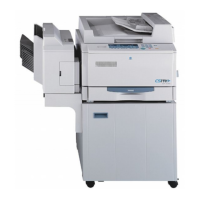
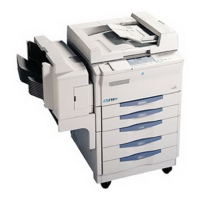
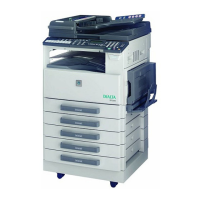
EP1054
Using the Copier Properly.............................................................. X-1
What is an Energy Star Copier ?.................................................... X-3
EP1054 .......................................................................................... X-4
CE Marking (Declaration of Conformity) ........................................ X-4
Terms and Symbols for the Type of Originals and Copy Paper..... X-5
Feeding Direction (copy paper path).............................................. X-5
“Width” and “Length”...................................................................... X-5
Terms and Symbols Used.............................................................. X-6
1 Safety Notes
1.1 Installing the Copier......................................................................1-1
Installation Site................................................................................1-1
Power Source..................................................................................1-1
Grounding .......................................................................................1-2
Space Requirements.......................................................................1-2
1.2 Precautions for Use......................................................................1-3
Operating Environment...................................................................1-3
Using the Copier Properly...............................................................1-3
Care of Copier Supplies..................................................................1-4
Moving.............................................................................................1-4
Legal Restrictions on Copying ........................................................1-5
Financial Instruments......................................................................1-5
Legal Documents ............................................................................1-5
General ...........................................................................................1-5
2 Getting to Know Your Copier
2.1 System Overview ..........................................................................2-1
Multi Bypass Tray MB-4 <Option>..................................................2-1
EP1054 ...........................................................................................2-1
2.2 Copier Parts and Accessories.....................................................2-2
Outside Copier................................................................................2-2
Inside Copier...................................................................................2-3
Multi Bypass Tray MB-4..................................................................2-5
Table of Contents



 To Next Page


 General