q
Power Button Turns on and off the device.
r
Menu Button Displays the Home screen.
s
Volume Control Adjusts the volume level of your device.
Back Components
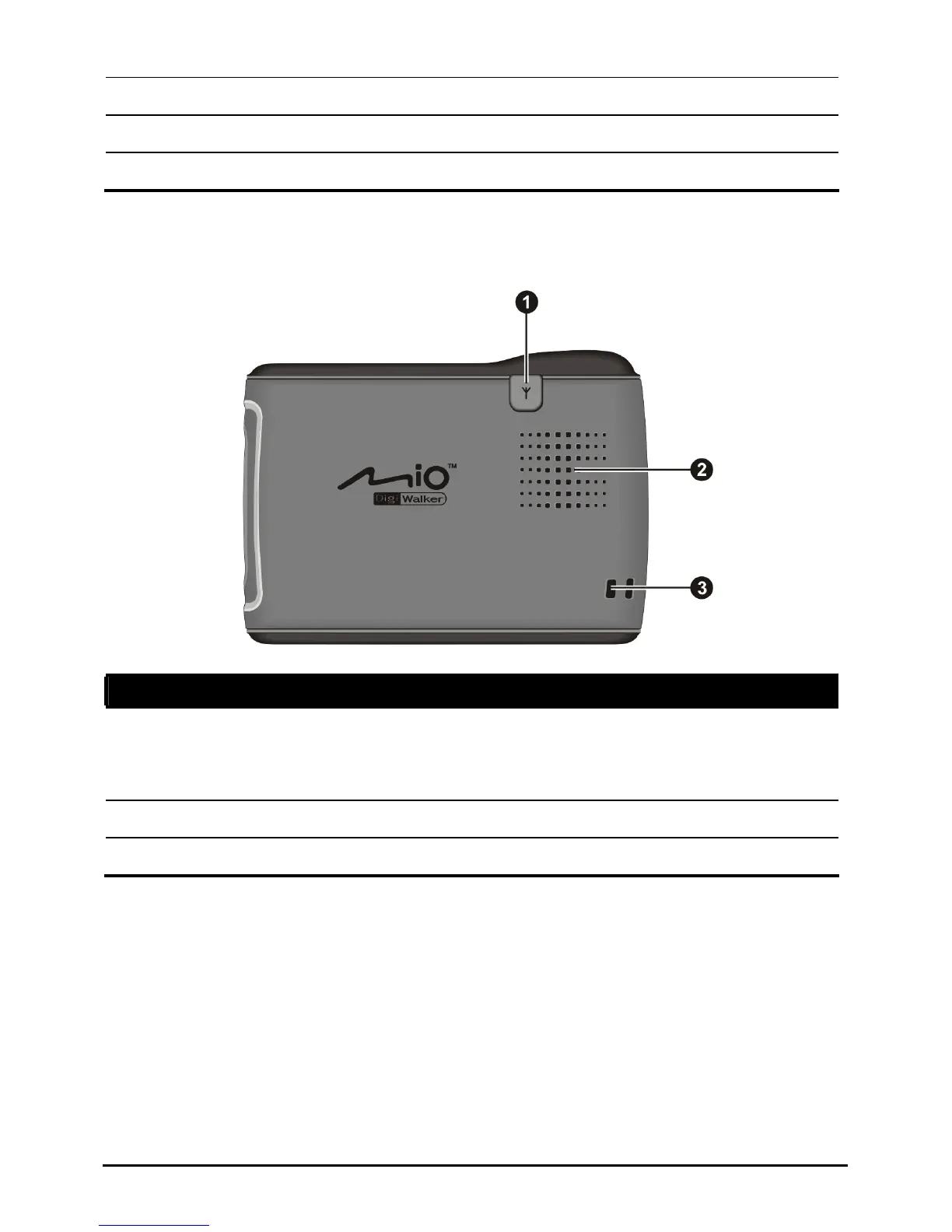
Ref Component Description
n
nna
Connector
better GPS
ception.
External Ante This connector (under rubber dust cover) allows use of an
optional external GPS antenna with magnetic mount,
he car for
which may be positioned on top of t
signal reception in areas with poor re
o
Speaker Sends out music, sounds and voice.
p
Hand String Hole Hand string attaches to this hole.
2















 To Next Page