4 Photos
4.1 Starting and Exiting Photos
Photos allows you to view pictures in JPE
slideshow of the pictures on your device.
G, GIF and BMP formats and view the
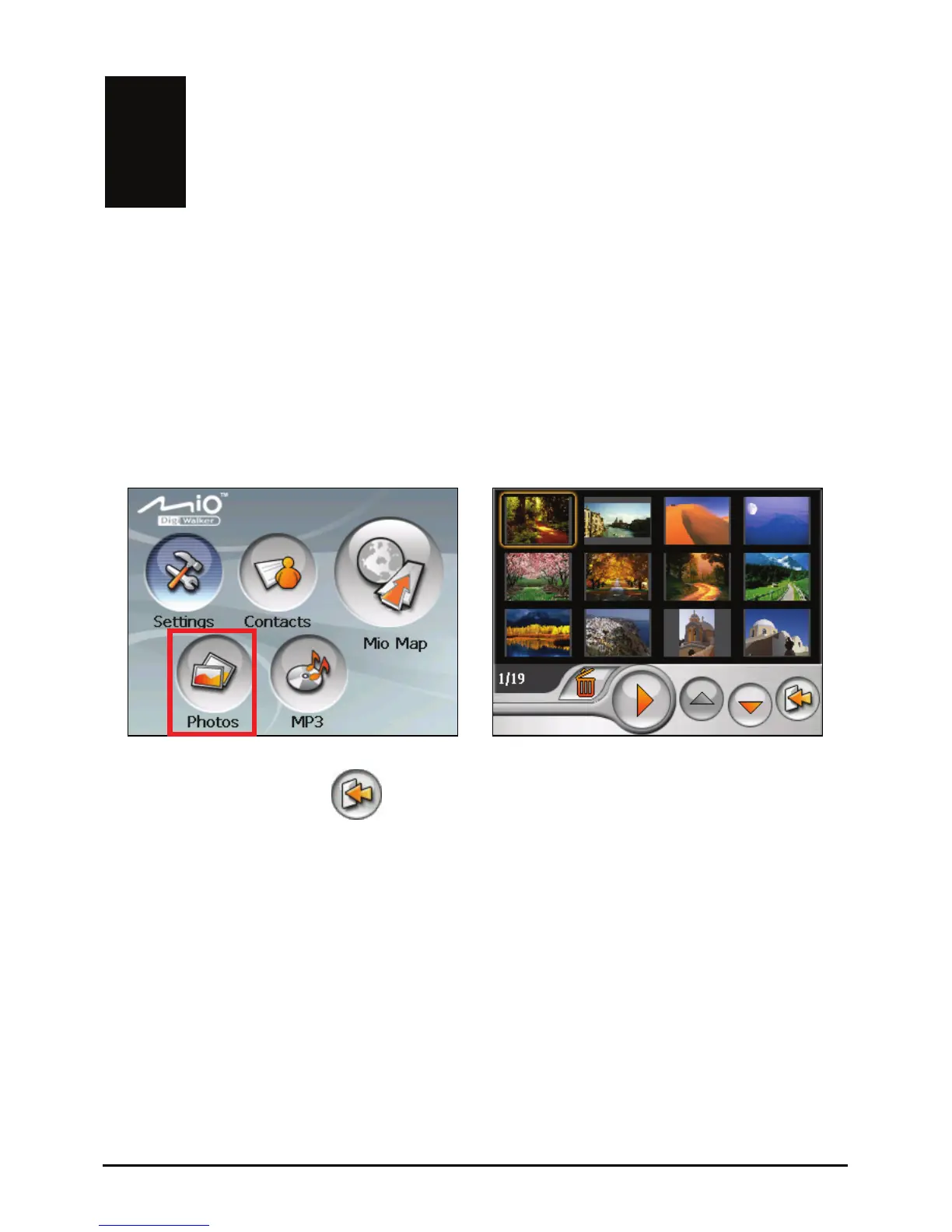
Tap the
Photos button on the Home screen to start the program.
Æ
To exit the program, tap
.
4.2 Preparing the Pictures for Your Device
Before using the program, have the JPEG/GIF/BMP files ready on either your
device’s flash memory or on a storage card. A tool called Mio Transfer is
supplied for you to easily copy the files from
location. (See section 8.3 for information.)
your computer to the correct
27















 To Next Page