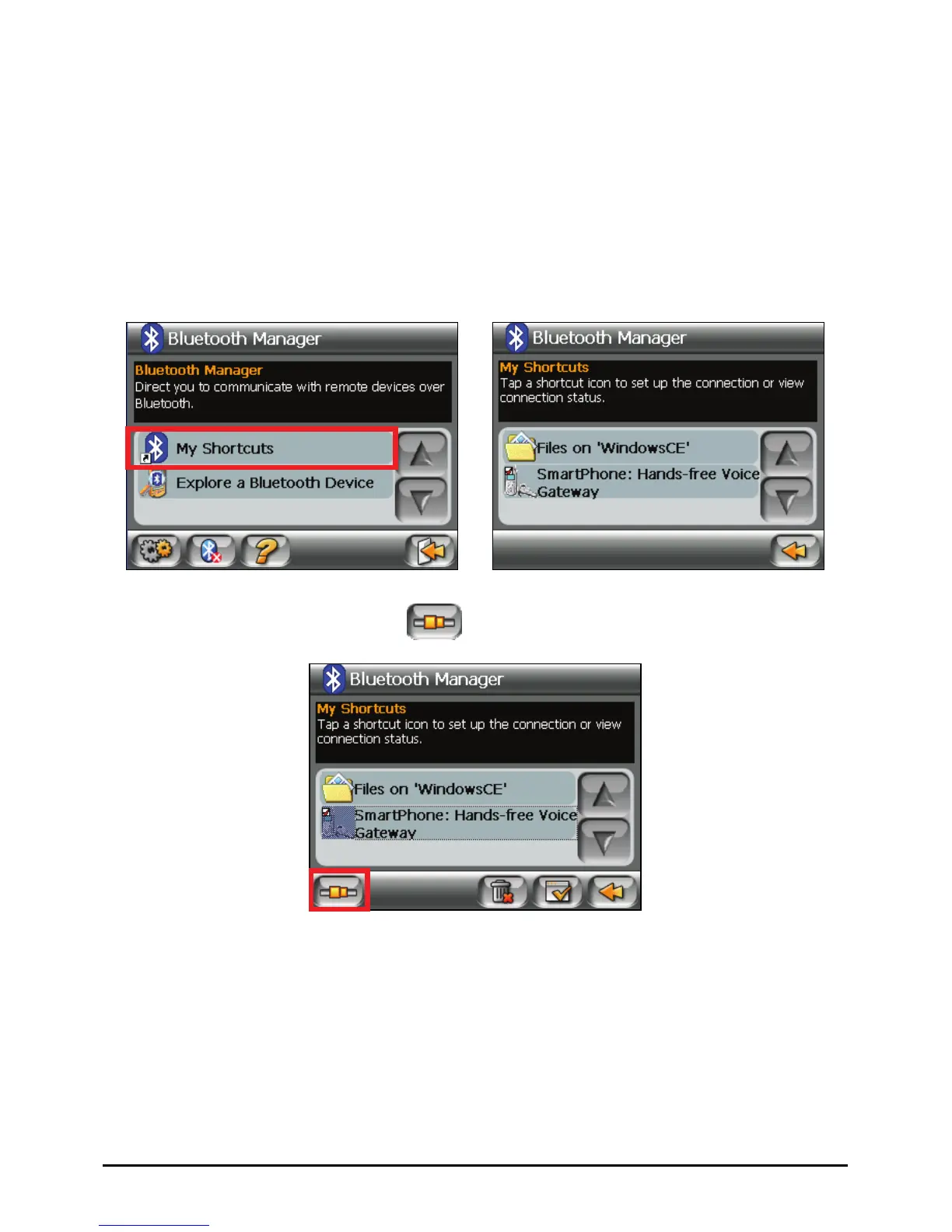
7.6 Using My Shortcuts
Once you have established a Bluetooth connection with a remote device, it will be
saved as a shortcut. My Shortcuts allows you to conveniently use the same service
again by tapping the particular shortcut item.
1. Start Bluetooth Manager as described in section 7.2.
2. Tap
My Shortcuts.
Æ
3. Tap the desired item and tap
to establish a connection again.
59















 To Next Page