7.4 Exploring Devices
NOTE: To use the service of a remote device with Bluetooth capability, make sure that the
remote device is in discoverable mode.
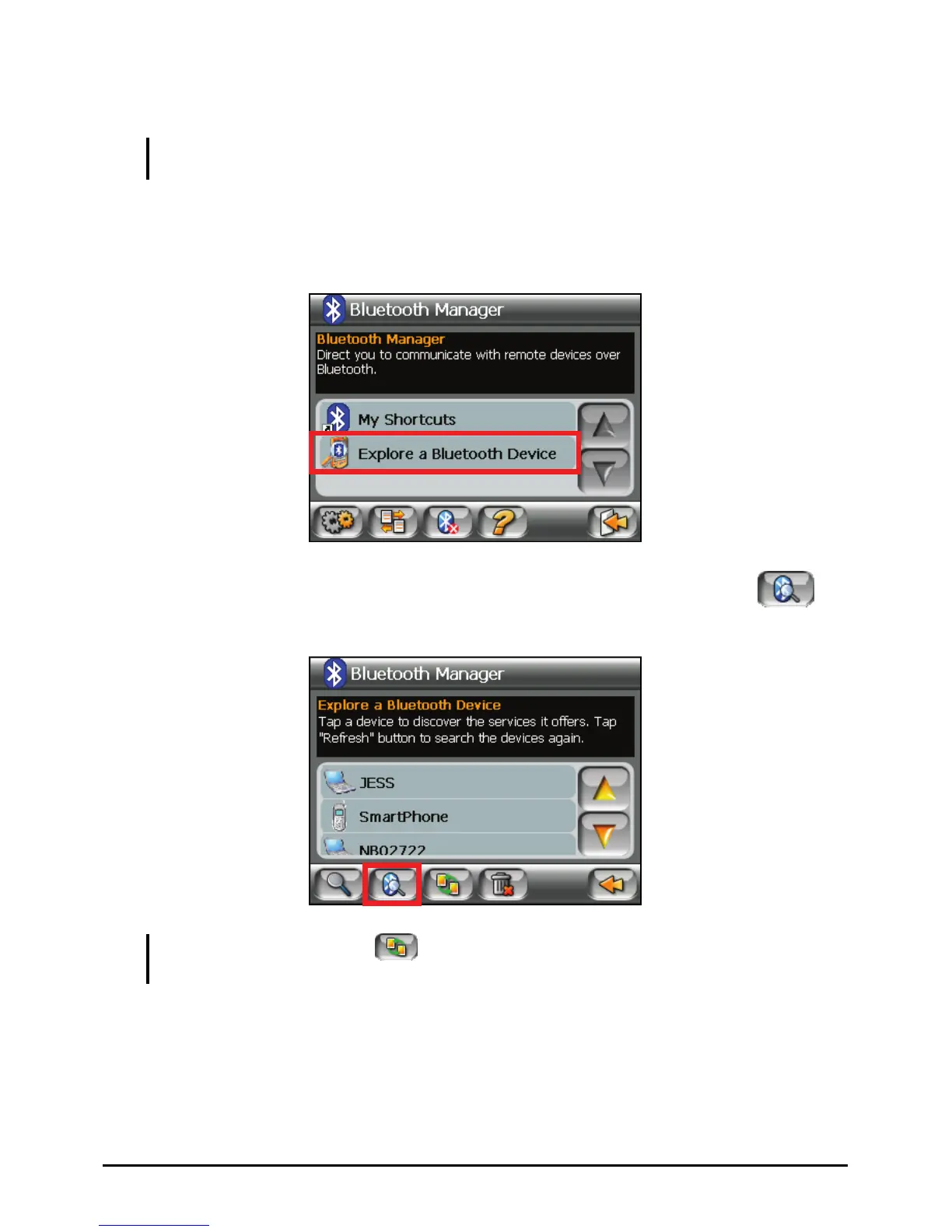
1. Start Bluetooth Manager as described in section 7.2.
2. Tap
Explore a Bluetooth Device to search for nearby devices.
3. The device list appears on the screen. Tap the target device and tap
to
browse the services of the device.
NOTE: You can also tap the button to pair with the selected device before browsing its
services.
4. Tap the service you want to use.
55















 To Next Page