7.5 Transferring Files
You can transfer files via Bluetooth connection.
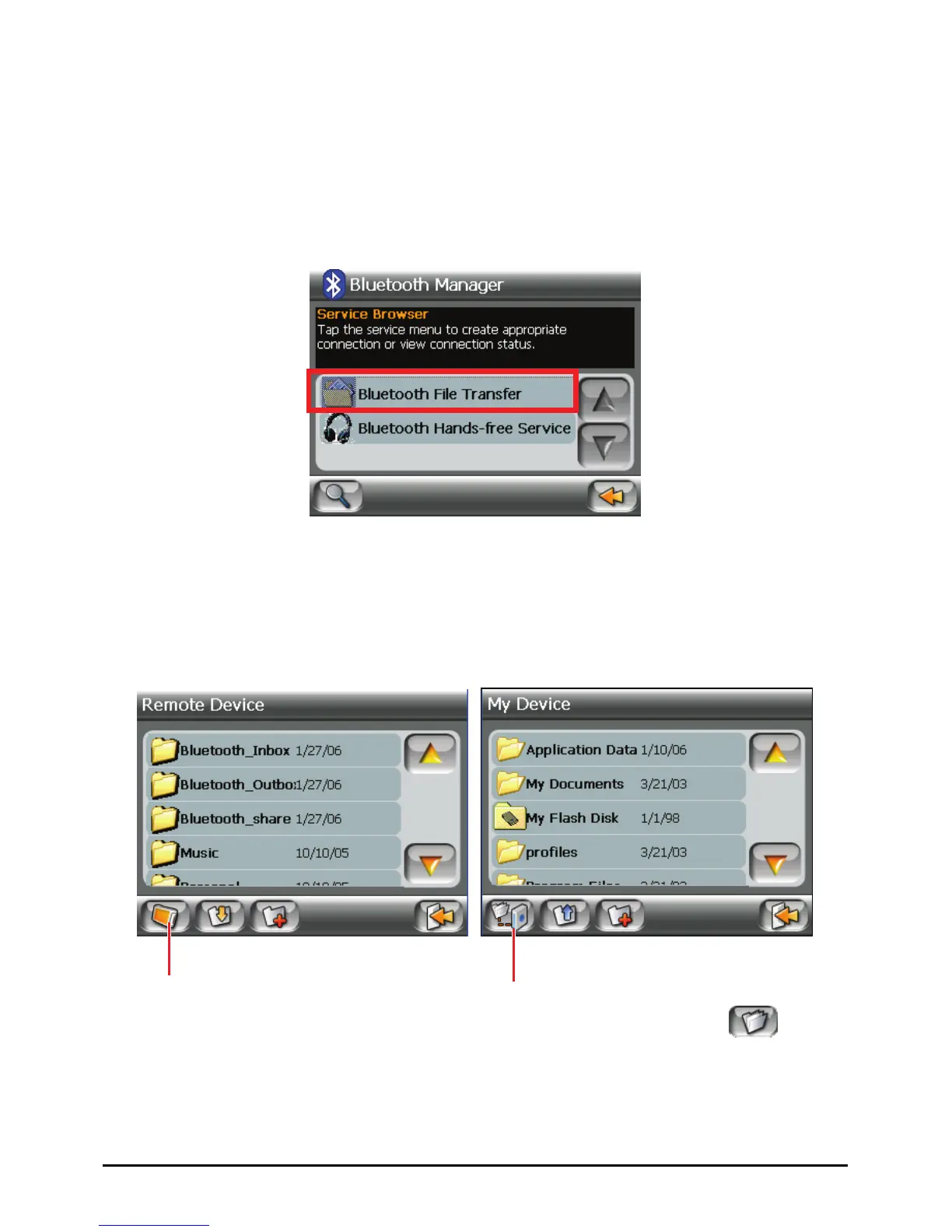
1. Search for devices as described in the previous section.
2. Select the target device and tap
Bluetooth File Transfer.
3. When prompted to enter the passkey, tap the passkey requested by the target
device and tap
OK.
4. The File Explorer window appears. To access the remote or local device, use
the buttons at the bottom of the screen.
Switch to Remote
Switch to My Device.
5. If the file is in a folder, tap the folder containing the file and tap
.
57















 To Next Page