Contacts
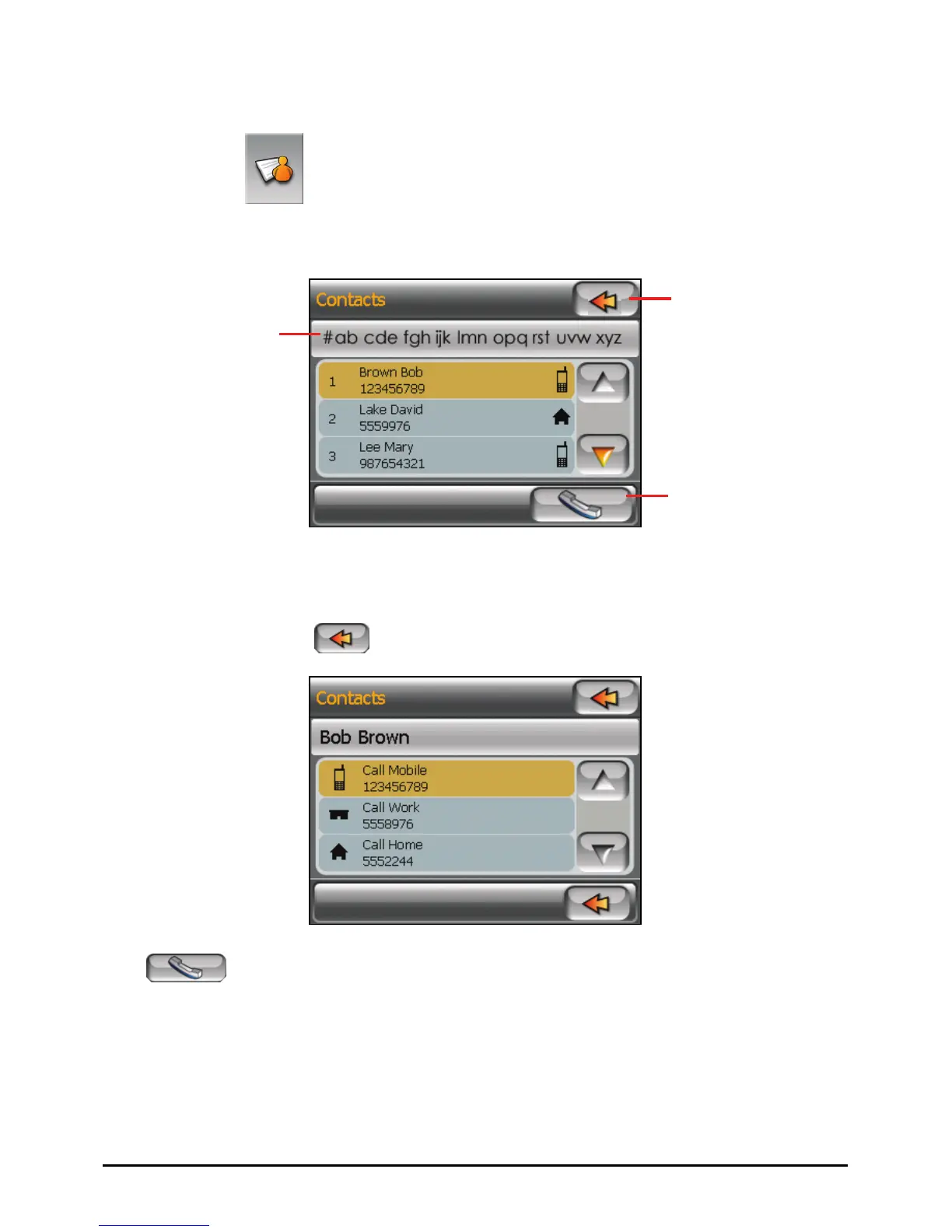
By tapping the
Contacts button on the Dialer main screen, you can access
the phone numbers stored in the Contacts program and select a phone number to
call. (See Chapter 2 for detailed information on Contacts.)
Exit
Index
Call the selected
number.
When you tap the desired contact, the phone number list appears. Tap the phone
number to call and tap
.
Tap
to call the selected phone number.
46















 To Next Page