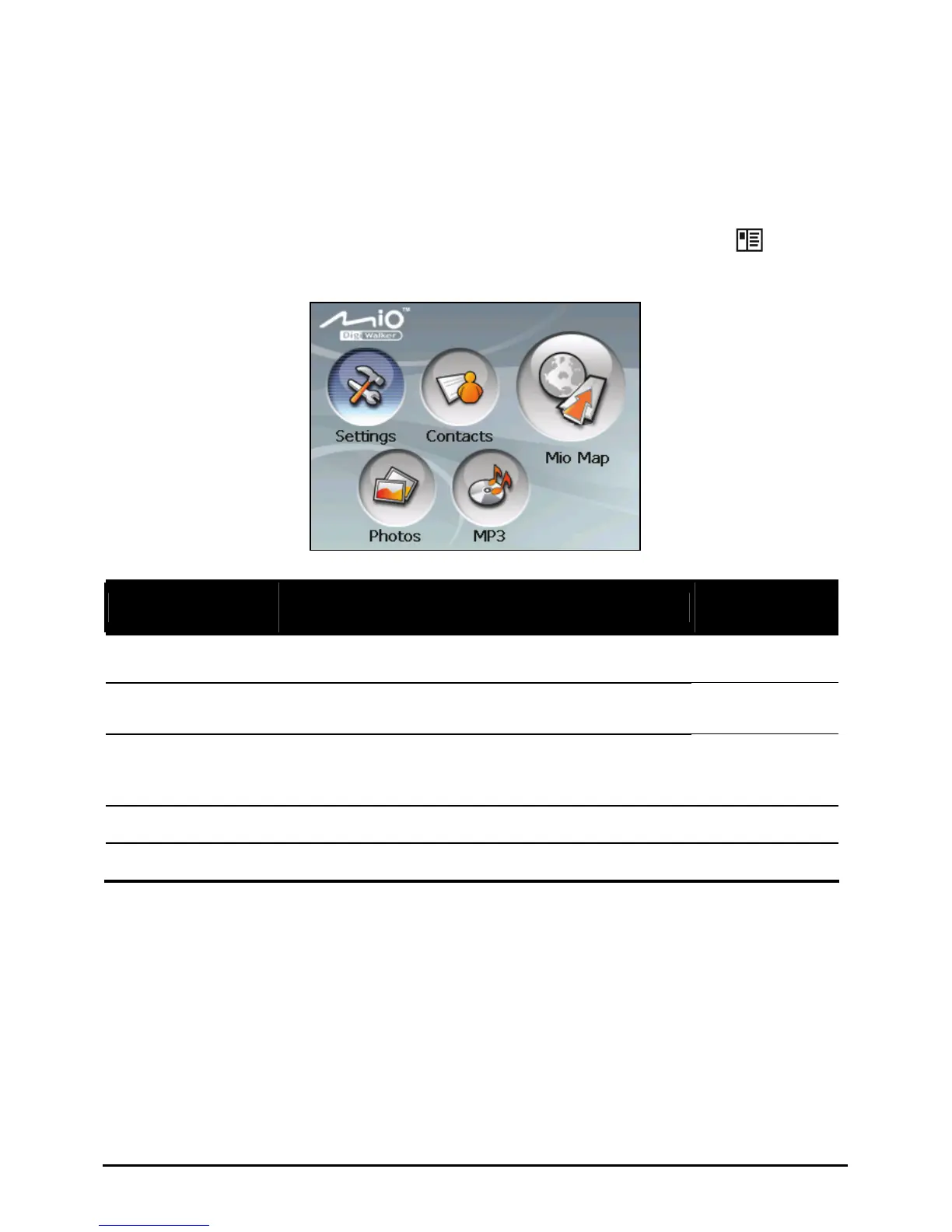
Home Screen
The first time you initialize your device, the Home screen appears. The Home
screen is your starting place for various tasks. Tap a button to start a task or open
another menu.
You can access the Home screen at any time by pressing the Menu (
) button
on the side of your device.
n
o
p
r
q
Ref
Button
Name
Description
For Detailed
Information
n
Settings Customizes the system settings. Chapter 5
o
Contacts Keeps a list of names, addresses, and phone
numbers.
Chapter 2
p
Mio Map Starts the navigation software. See the manual
supplied with
the software.
q
Photos Displays pictures (.jpg, .gif, and .bmp formats). Chapter 4
r
MP3 Plays MP3 music. Chapter 3
8















 To Next Page