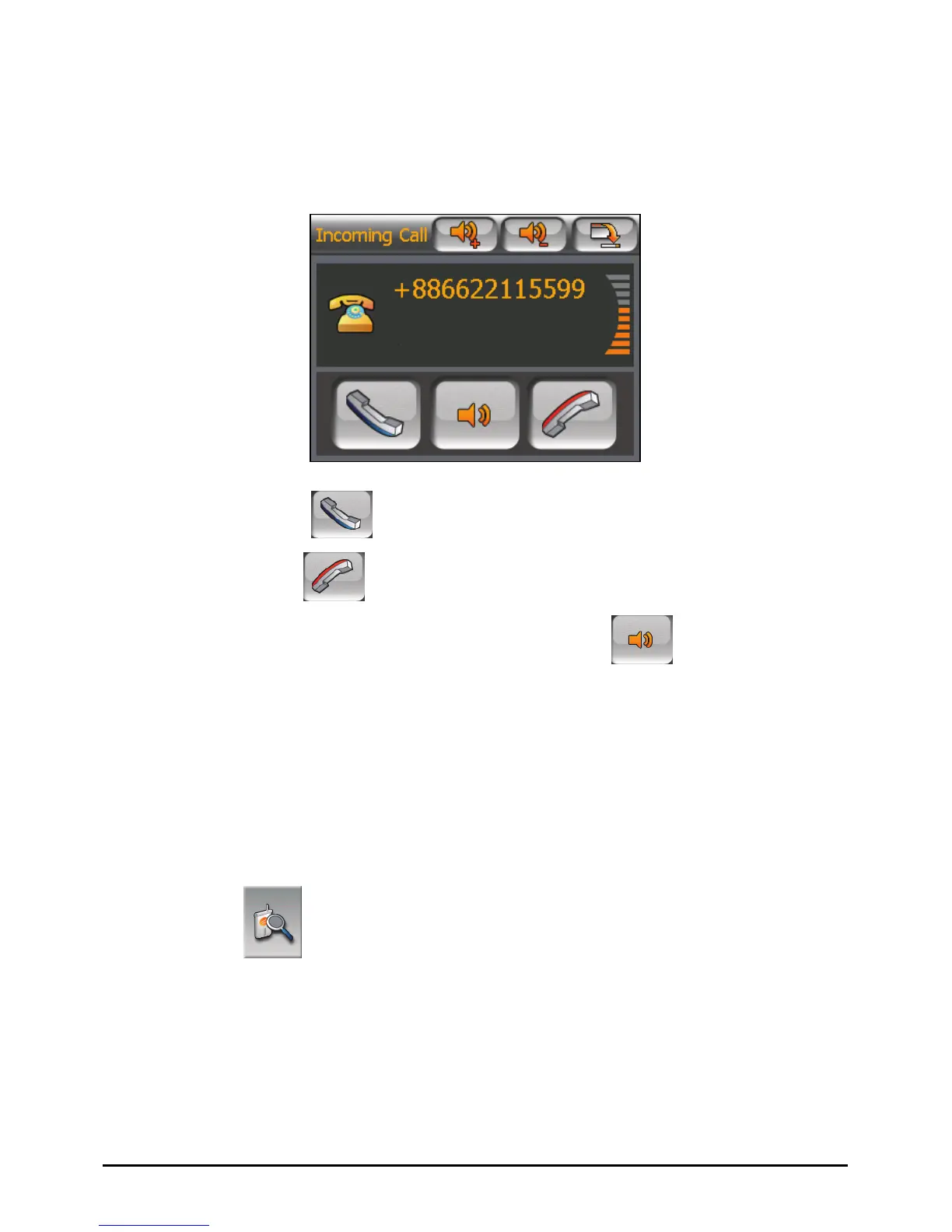
6.5 Receiving a Call
When you have a call after pairing with a mobile phone, the device rings and
displays the Incoming Call screen.
To accept the call, tap
.
To reject the call, tap
.
To mute the ring tone before receiving or rejecting, tap
.
6.6 Miscellaneous Buttons
In addition to buttons for placing a call, there are Connect, Pair Mode, Others, and
Exit buttons on the Dialer main screen as described below.
Connect
By tapping the
Connect button on the Dialer main screen, you can manually
search the last paired mobile phones for an available connection.
49















 To Next Page