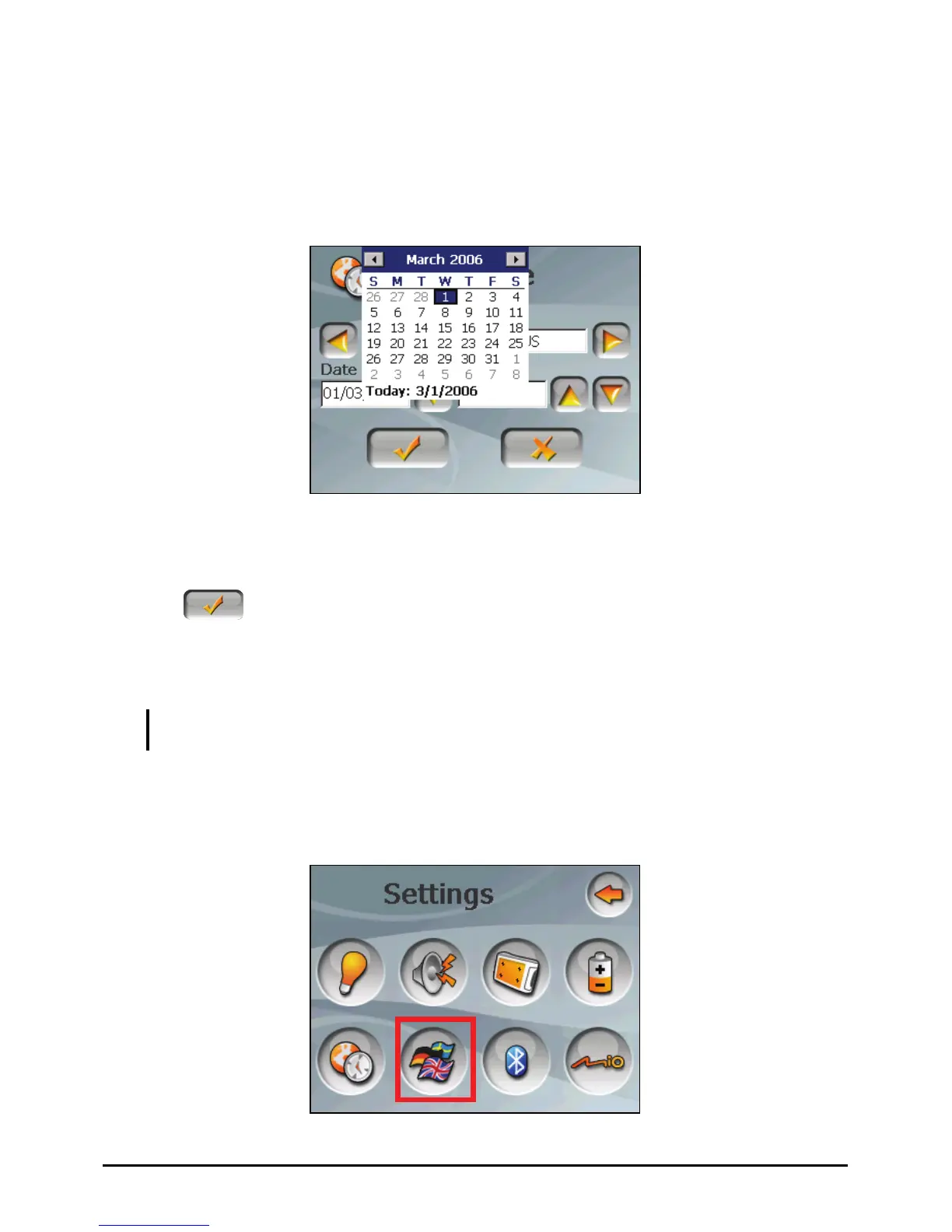
4. To change the date, tap the down arrow in the “Date” item. A calendar pops
up. Tap the left arrow on the calendar to go to the earlier month and year or the
right arrow to the later month and year. Alternatively, you can tap the month
or year on top of the calendar to directly change the month or year.
When the calendar shows the current month, tap the date on the calendar.
5. To set the time, first tap the hour, minute, or second in the “Time” item and
then tap the up arrow to increase or down arrow to decrease the value.
6. Tap to save the changes.
5.7 Change Language
NOTE: To change the language of the Mio Map navigation software, use Mio Map settings.
(See the document supplied with the navigation software.)
1. Tap the Settings button on the Home screen.
2. Tap the
Change Language button.
41















 To Next Page