2.4 Navigating to a Contact’s Address
You can set a contact’s address as your GPS navigation destination.
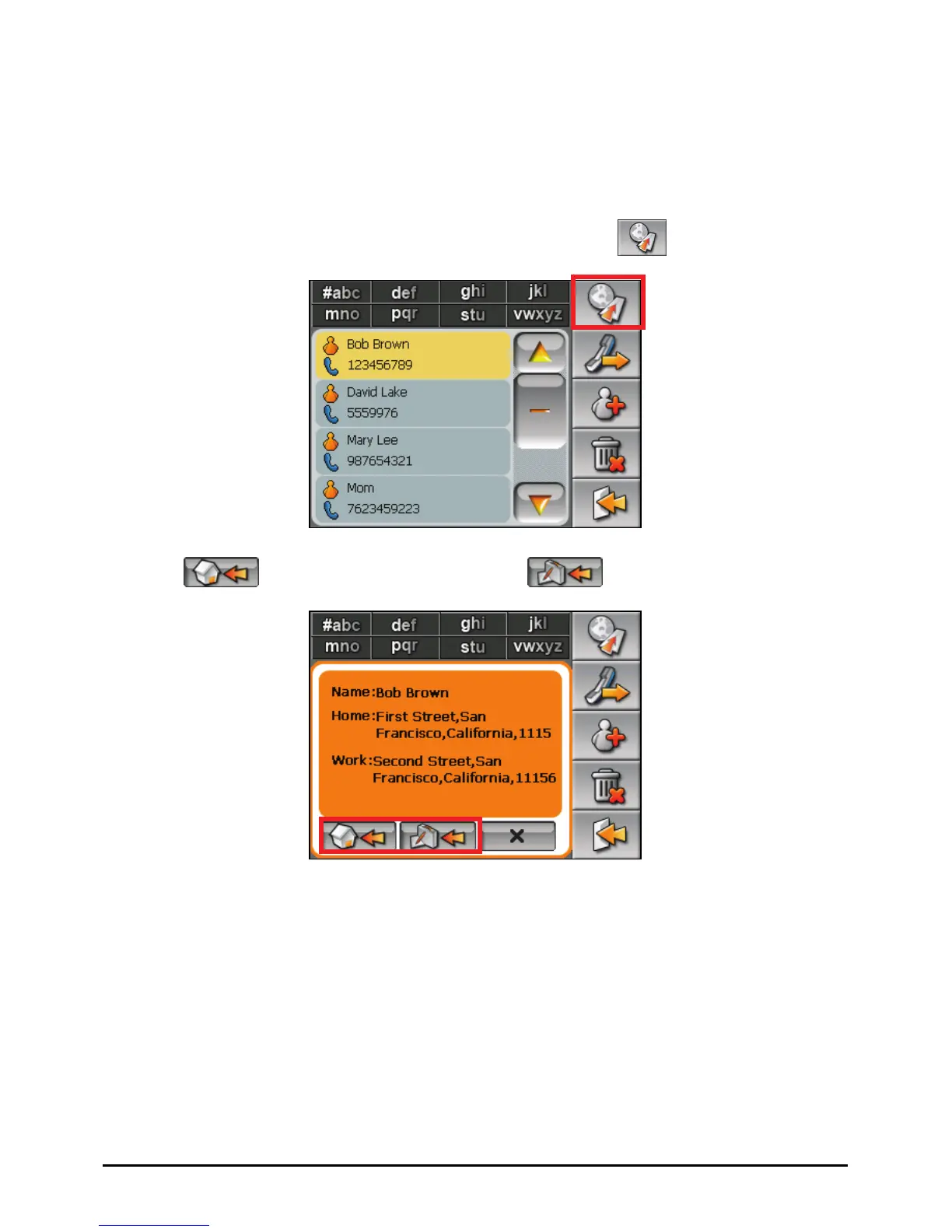
1. Tap the
Contacts button on the Home screen to start the program.
2. In the contact list, select the desired contact and tap .
3. Tap
to select the home address or to select the work address.
4. The navigation program starts. (See the document supplied with the
navigation software for more information.)
13















 To Next Page