95
12 Troubleshooting and Maintenance
12.1 Resetting Your System
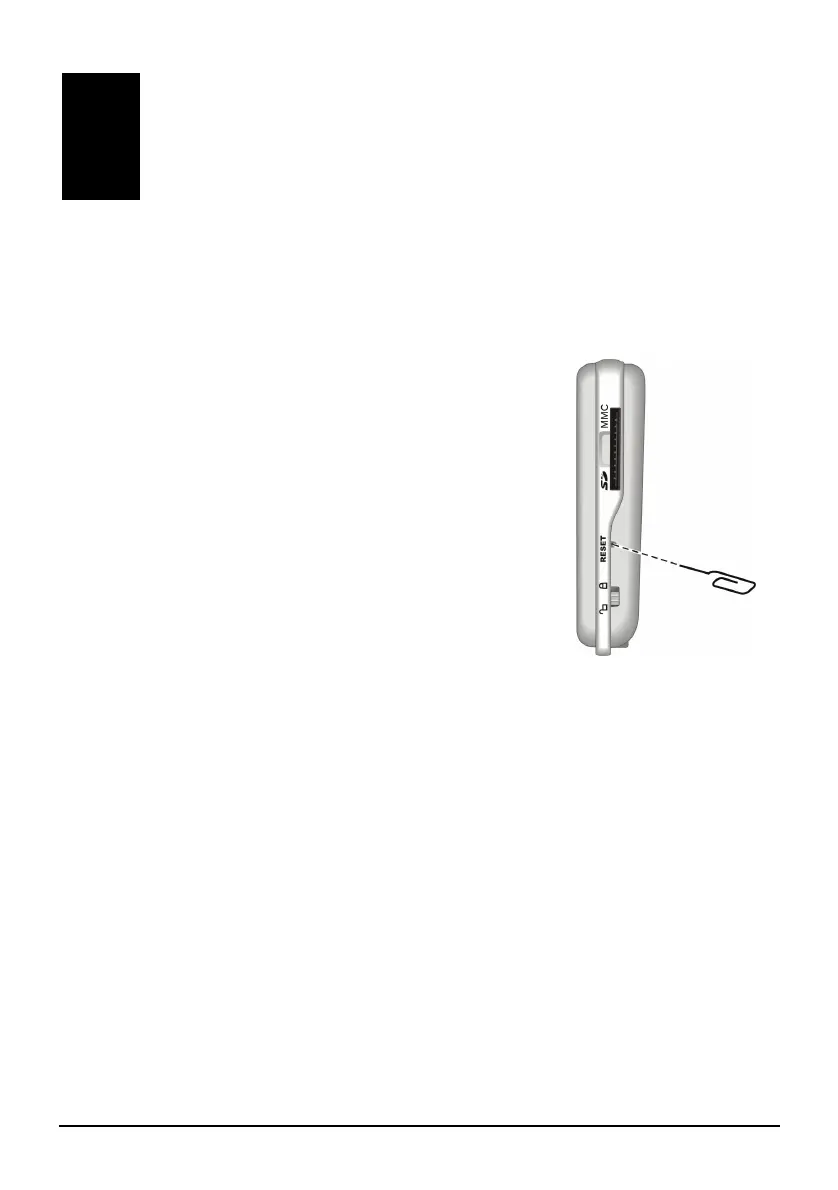
Occasionally, you may need to reset your device. For
example, you should reset your system when it stops
responding; or appears to be “frozen” or “locked up.”
Insert a small rod, such as a straightened paperclip, into
the reset button of your device. This is called a “soft
reset.” The Home screen should appear after a soft
reset.
Troubleshooting and
Maintenance


 To Next Page